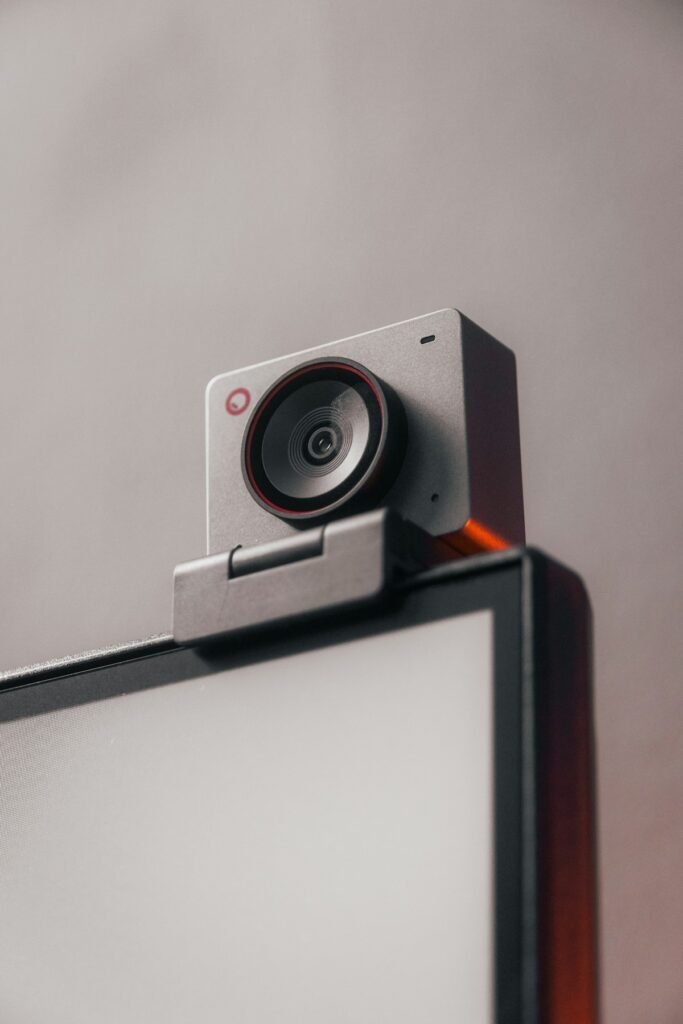
A streaming setup has to deliver usable video continuously to the application you actually use. The camera is one part of that path. Framing, light, focus, power, audio and the connection to your computer all influence the result. Begin with the stream you want viewers to see, then choose the equipment that can produce it reliably.
Define the scene before comparing resolution
A seated presenter, a person moving around a room and a close-up product demonstration require different framing. Measure the distance between the camera and the subject and decide how much surrounding space should appear. A wide view can be useful for movement but may include more background than you want at a desk.
For tabletop work, add the smallest item you expect to show and how close you will hold it. Test that behavior with existing equipment before purchasing a replacement. If the real problem is a poorly lit object or an awkward camera position, a higher-resolution webcam may not solve it.
Choose a webcam or a separate camera system
A webcam can offer a straightforward path to a computer, but capabilities vary by model. Check focus behavior, field of view, frame rates, controls and mounting options. For example, Logitech’s Brio 305 specifications identify fixed focus, while its C930e specifications identify autofocus. These are examples of features to verify, not a recommendation that either model fits every stream.
A separate camera may offer the lens and control you want, but include the connection hardware, power, mount and audio in the comparison. Check whether the camera has a supported USB streaming mode or whether your proposed setup uses HDMI capture. Compare the modes actually available through that path rather than the camera’s internal recording headline.
Verify the capture path from end to end
Write the chain in order: camera output, cable, capture device if needed, computer connection and streaming application. Confirm the supported signal format at each step. If you require an image without menu information, check the camera’s clean-output settings and test them in the intended mode.
Elgato’s compatibility checklist addresses HDMI output, removable overlays, continuous operation and external power. Those checks are more useful than assuming that every camera with an HDMI socket works identically. Also verify that the cable has the correct connectors and can reach the mounted camera without strain.
Plan power and session length
Decide how long a typical session lasts, then check the camera’s supported continuous-power arrangement and any operating limits. Keep required doors and access points in mind when choosing the mount. A power accessory that fits the camera may still need clearance below or beside the body.
Elgato’s Cam Link 4K information states that its capture device does not charge the camera. That is a useful example of why video capture and camera power need separate entries in a setup checklist. Use the camera maker’s instructions to identify suitable power equipment.
Give focus a practical job
For a fixed presenter position, consider whether focus needs to change at all. For live product demonstrations, establish whether the camera must move between a face and an object held closer to the lens. Review transitions, not just a still picture of the final focused subject.
Make a short rehearsal using the actual objects and movements. Watch for focus hunting, unwanted background focus and a minimum distance that prevents the object from appearing sharp. If a setting solves the problem, save it and record the working distance so the setup is easy to repeat.
Improve lighting and audio before adding complexity
Place a controllable light where it reveals the subject without distracting reflections. Look for windows or bright backgrounds that change during a session. If you need accurate product color, evaluate a familiar object and keep the lighting consistent. Avoid judging a camera under one lighting arrangement and expecting the same result in a very different room.
Choose the audio input deliberately in the streaming application. Check that the intended microphone is active and that speech is clear at the normal working distance. Record a rehearsal to inspect the sound and picture together, including synchronization and any unwanted room or workbench noise.
Use a rehearsal as the final compatibility check
- Open the real application and select the intended video and audio inputs.
- Confirm framing, output settings and focus behavior.
- Use the complete power and connection arrangement.
- Run a session representative of the intended duration.
- Review a recording from the viewer’s perspective.
Document the settings that worked, especially if several people use the equipment. A predictable setup is easier to operate than one that needs to be rebuilt before every broadcast. Use manufacturer specifications to shortlist equipment and an actual rehearsal to confirm that the complete combination meets your needs.
Sources & fact-checking
Manufacturer documentation and primary references checked 2026-11-02. Specifications can depend on region, hardware revision and selected bundle.
- www.logitech.com — en us/products/webcams/brio 305 webcam.960 001414.html
- www.logitech.com — en us/products/webcams/c930e business webcam.html
- help.elgato.com — hc/en us/articles/360027963632 Cam Link Is Your Camera Compatible
- www.elgato.com — us/en/p/cam link 4k