The most useful camera accessory fixes a specific limitation in a working setup. It may extend recording time, provide the right viewpoint, capture clearer speech or make files easier to retrieve. Start with that job, then verify the exact camera, accessory and operating mode involved. A bundle is good value only when its parts are suitable for the way you will use them.
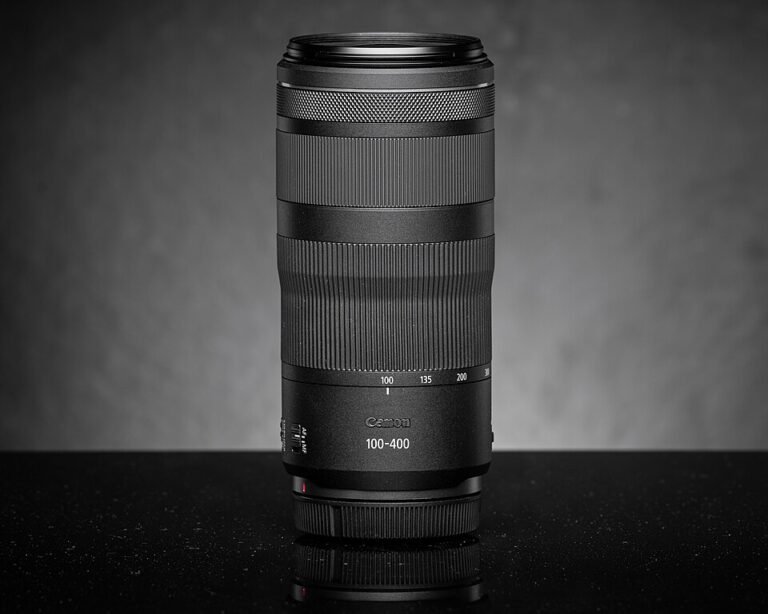
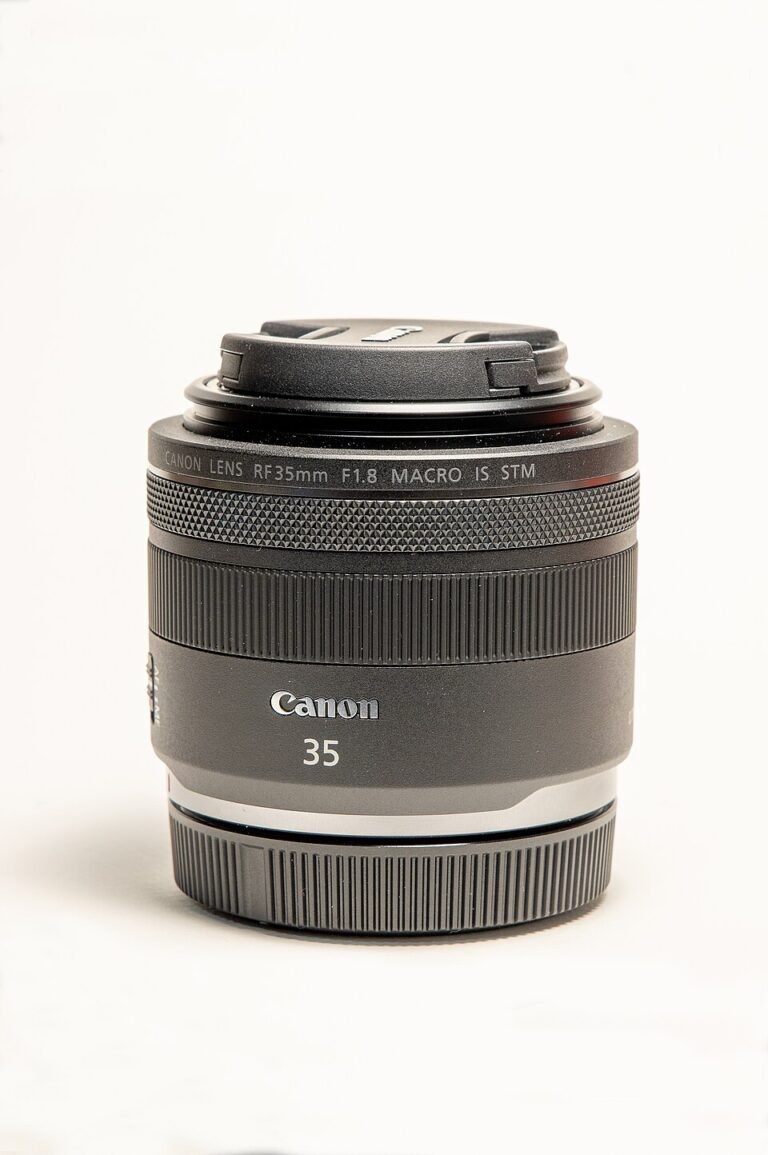
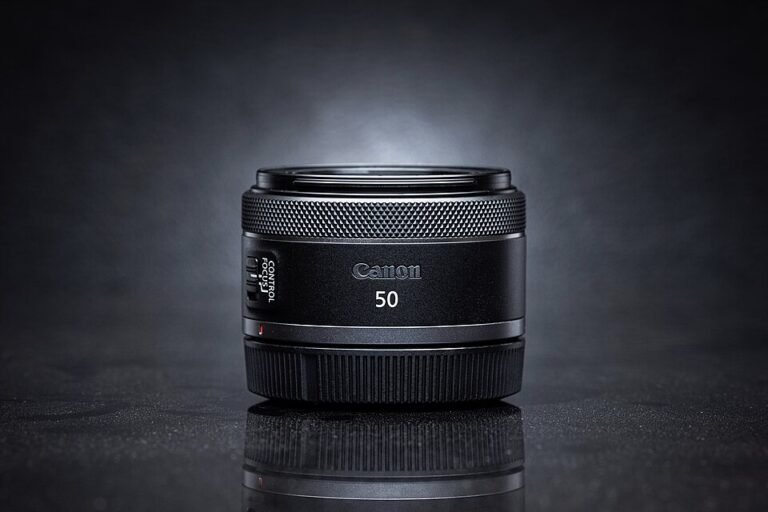
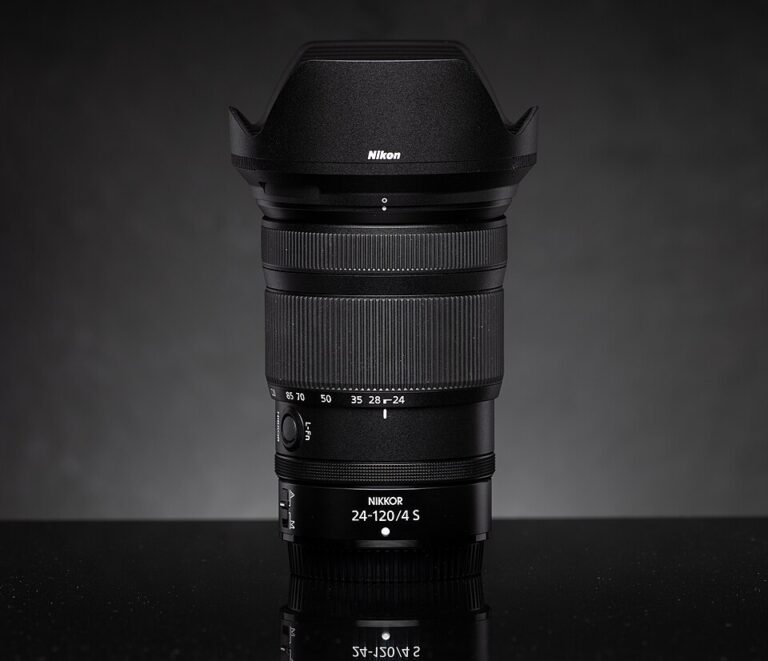
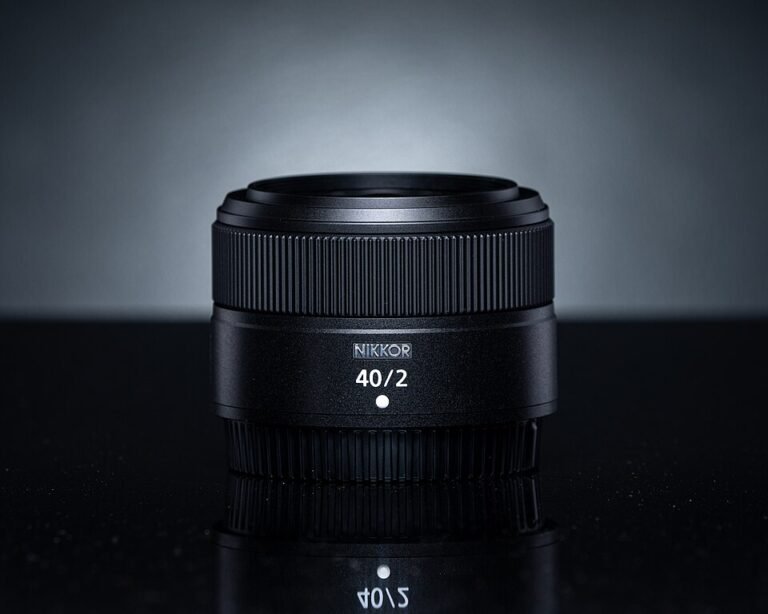
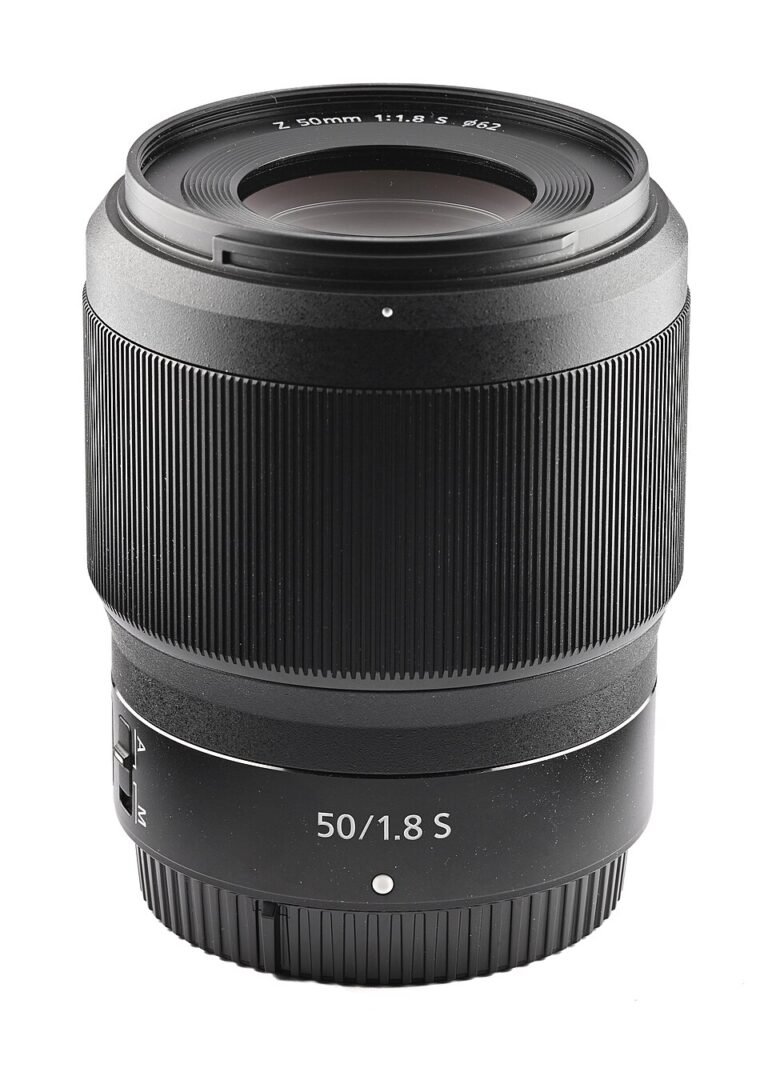
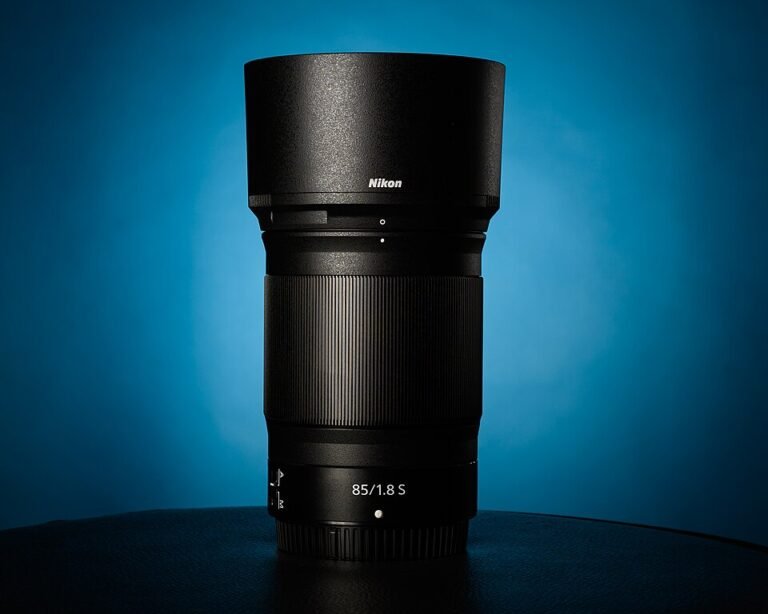
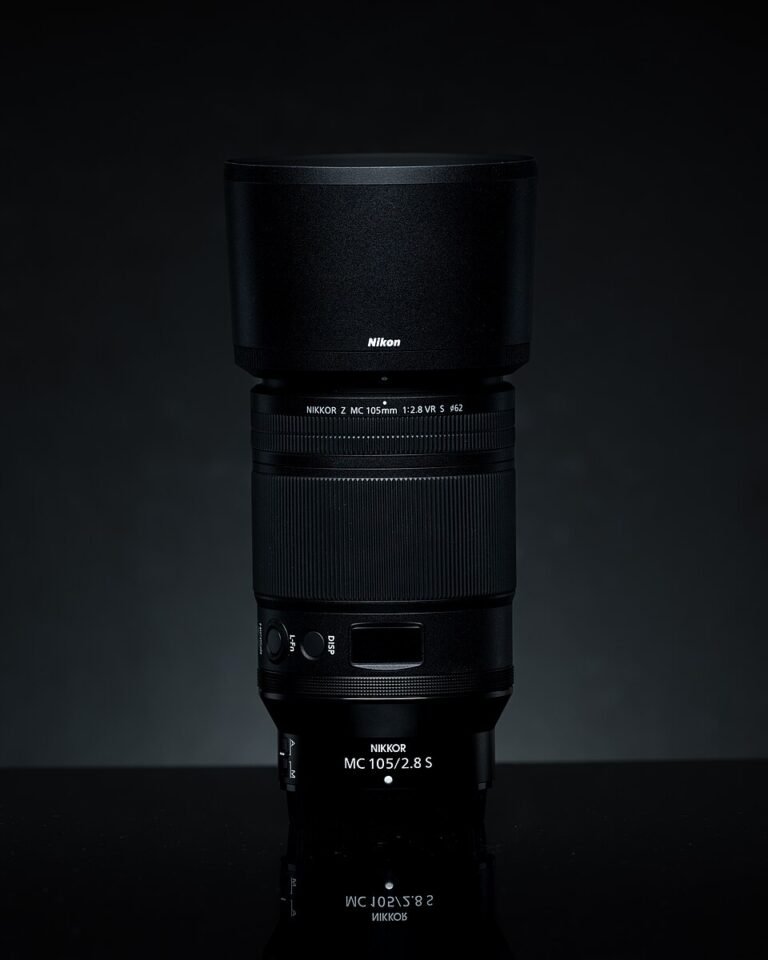
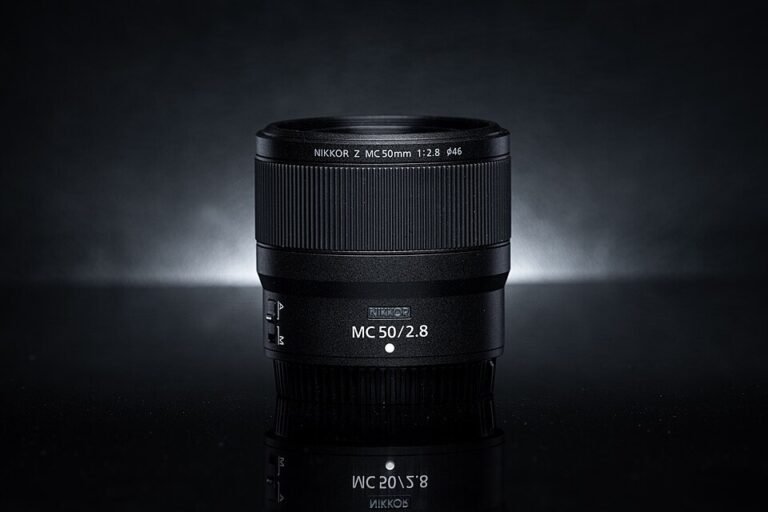
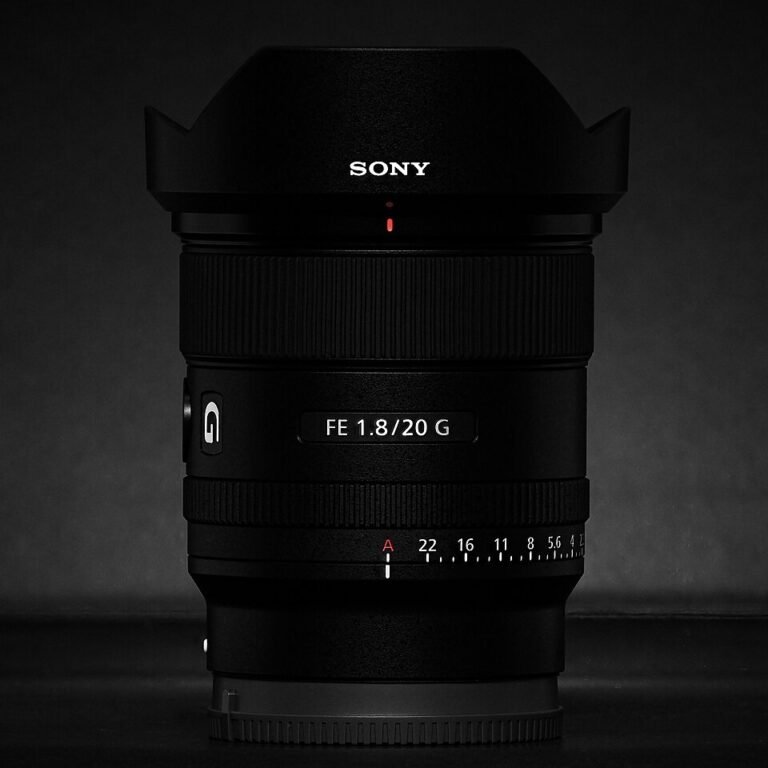
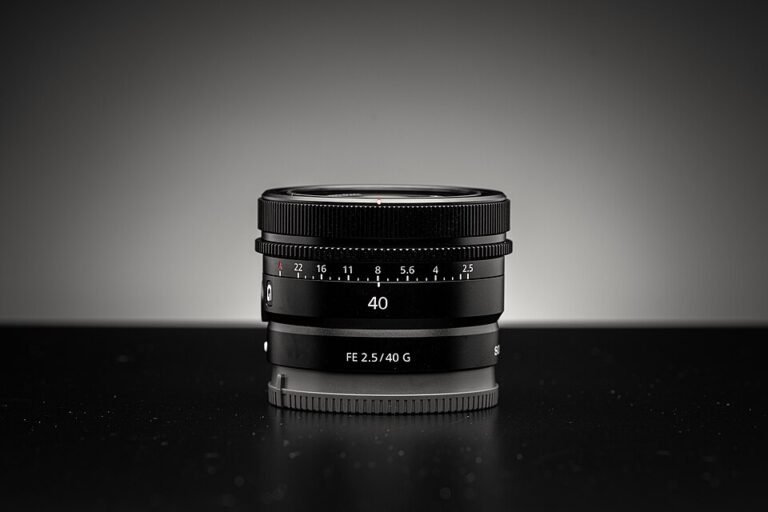
Choosing a lens? Browse 28 lens guides by Canon RF, Sony E / FE, Nikon Z and Micro Four Thirds mount, then check sensor coverage and the exact camera’s compatibility requirements.
Make a short compatibility record
Write down the full camera model, relevant generation or version, current firmware where applicable and the intended recording mode. For each accessory, record its exact model and the manufacturer’s compatibility statement. Include any required adapter and the feature you expect to gain.
This prevents a common mistake: buying something because the connector fits or a listing uses a broad family name. Compatibility can involve power, data, controls and physical clearance, not just whether two pieces can be joined. Keep the source link or manual reference with the equipment list so it can be checked again later.
Memory cards: match the camera and recording mode
Check supported card format, capacity and minimum recording requirements in the camera’s documentation. A card suitable for one mode may not satisfy another. Also confirm the formatting procedure and whether the camera imposes restrictions that are narrower than the memory-card standard itself.
The SD Association’s speed-class explanation distinguishes the classes used to express minimum sequential performance under specified conditions. Use the marking required by the camera rather than selecting solely by an advertised maximum transfer speed. For continuous-recording applications, check the manufacturer’s card and workload guidance as a separate question.
Plan file handling as well as capacity. A compatible card reader and a verified copy process may be more useful than a larger card that becomes the only place important footage is stored. Before formatting any card, check that the files you need have been copied and can be opened.
Power: check the complete supported arrangement
Compare the required supply, cable and camera operating behavior. Check whether the camera can record while receiving external power, whether a battery must remain installed and whether the cable interferes with a door or mount. Use the model’s instructions to resolve those questions.
Do not assume that a video connection also powers the camera. Elgato’s Cam Link 4K information, for example, explains that the capture device does not charge the connected camera. A streaming equipment list therefore needs separate entries for capture and camera power.
Microphones: verify the signal path
Decide what needs recording and where the microphone should sit. Then confirm the camera’s supported connection and any required adapter. Check microphone power requirements, available settings and whether the intended recording mode supports the input you plan to use.
AKASO’s EK7000 guidance notes interface differences between camera versions. GoPro’s microphone-adapter information lists supported models and audio functions. These examples show why a model-specific match is more useful than a claim that an accessory works with “action cameras.”
Lenses: compare fit, framing and working space
For an interchangeable-lens camera, verify the mount, sensor coverage and the behavior of any adapter. Then compare the field of view and focusing capabilities against your subject. A lens that mounts successfully may still be poorly suited to the room or working distance you have.
Close-up accessories deserve particular care. Canon’s lens specifications list focusing distance and maximum magnification as separate figures. Use both when planning a small-product setup, and leave room for lighting and access around the front of the lens.
Mounts and supports: plan the physical arrangement
Check the supported load, attachment method and available adjustment for the proposed position. Include the lens, microphone, adapter and any other attached components when evaluating the complete rig. Confirm that controls, card slots and power connections remain accessible.
For a tabletop camera, consider whether touching the work surface will disturb the view. For an overhead setup, use suitable support and follow the mount’s instructions. For a vehicle or outdoor installation, choose equipment documented for the intended conditions instead of repurposing a convenient-looking attachment.
Cables and capture devices: verify every connection
List the signal or function the cable must carry and the exact connectors at both ends. Check the length and routing before ordering. Where an adapter is involved, verify the supported function rather than assuming a chain of matching connectors preserves every capability.
Elgato’s capture compatibility guidance illustrates the relevant questions for HDMI video: output format, removable overlays and supported continuous operation. Apply that same habit of checking the complete path to other camera systems.
Buy the missing part, then verify the result
Prioritize accessories by the problem they solve. After adding one, test the intended task with the complete setup: record the audio, run the session, retrieve the file or inspect the final framing. Keep the settings and compatibility notes that produced the result. That turns a collection of accessories into a dependable camera kit.
Sources & fact-checking
Manufacturer documentation and primary references checked 2026-11-02. Specifications can depend on region, hardware revision and selected bundle.
- www.sdcard.org — consumers/about sd memory card choices/speed class standards for video recording
- www.elgato.com — us/en/p/cam link 4k
- support.akasotech.com — hc/en us/articles/24484363470105 Does the AKASO EK7000 Support an External Microphone
- community.gopro.com — s/article/Pro 3 5mm Mic Adapter Information
- files.canon-europe.com — files/webcontent/rf lens world/features/rf lineup/index.html
- help.elgato.com — hc/en us/articles/360027963632 Cam Link Is Your Camera Compatible