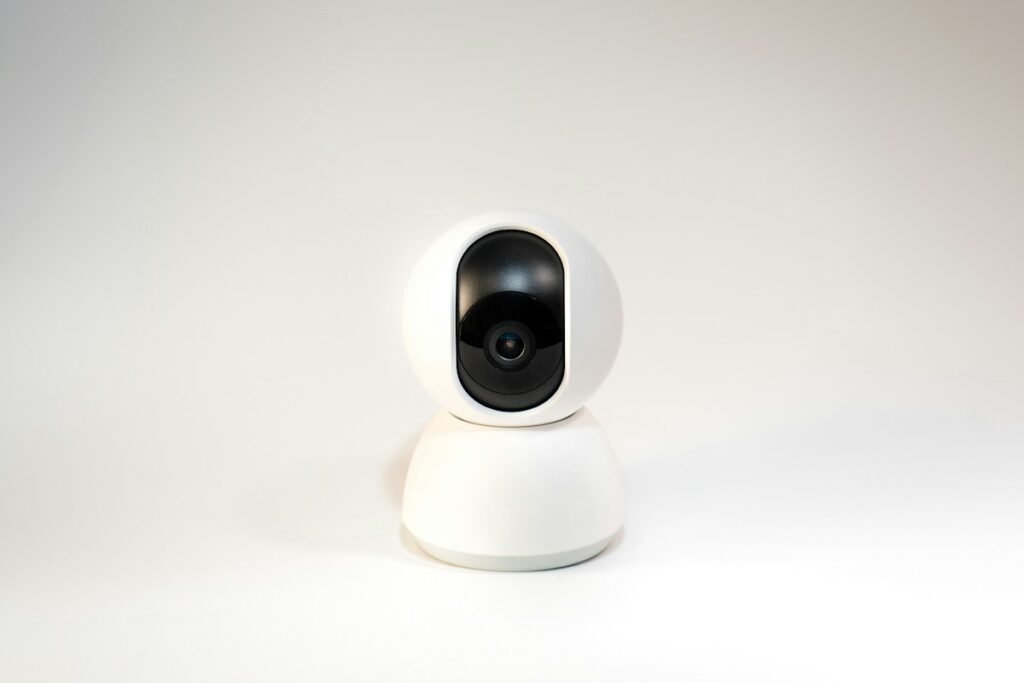
A security camera without a subscription can be a sensible choice when you want predictable costs and control over saved footage. The useful question is what the camera does after every free trial ends. A product can offer live viewing without payment while charging for a recording feature you expected to use. Build your shortlist around the functions you need, then check the exact camera, storage device and account arrangement together.
Define what you need to keep
Write down four tasks: watching live video, saving events, recording continuously and retrieving an earlier clip. Treat each as a separate requirement. Then add the way you want to receive alerts and whether you need access away from home. This prevents a broad subscription-free claim from standing in for a specific feature. A camera that meets three tasks but misses your essential fourth task is still the wrong purchase.
For example, Tapo documents local viewing and SD-card playback on the same wireless network without internet, but says notifications and cloud services need an internet connection. That distinction is about connectivity, not just payment. Put a separate yes, no or conditional answer beside every function when comparing cameras.
Find out where the footage goes
Common local-storage arrangements include a memory card in the camera, a hub and a network video recorder. Your purchase decision should account for where that device will live and how you will retrieve a recording. If your concern includes theft of the camera itself, think through what happens to footage stored inside it. If the recorder sits elsewhere, consider its placement, power and access as part of the same project.
Ask whether storage is included, which capacities are supported, whether the system overwrites old recordings and how protected clips are handled. Tapo’s memory-card guidance separates capacity, speed and endurance, and notes that supported capacity can vary by model and hardware version. Buying a larger card is useful only when the exact device supports it.
Check the full system, including the hub
Do not assume that cameras carrying the same brand name work with every recorder from that brand. Reolink’s battery-camera and NVR guidance makes support dependent on camera and recorder models and versions. Check those identifiers before buying a bundle or expanding an existing system. A generic compatibility badge is less useful than a documented relationship for the function you intend to use.
Make a complete shopping list: cameras, recorder or hub, storage, power supplies, cables, mounting hardware and any installation work. Mark an item as optional only when the setup works without it. Otherwise, an attractive camera-only price can hide the cost of getting your first usable recording. Our ownership cost planner keeps shared equipment separate from per-camera costs.
Compare recording behavior, not just resolution
Decide whether an event clip is enough or whether you need a continuous timeline. Also ask how recordings begin, what happens between events and which settings control retention. Do not convert a resolution label into an assumed number of storage days. Bitrate, recording time and usable capacity determine the estimate. Use the recording storage calculator with a documented or measured bitrate, and label any planning assumption clearly.
For a front door, write a realistic retrieval task such as finding a delivery yesterday afternoon. For a workshop, the task might be reviewing an entire work period. These are better buying tests than a long feature list. If an app cannot make the required recording easy to find and export, more pixels do not fix that workflow.
Read the feature table after the trial expires
Look for separate treatment of person detection, activity zones, thumbnails in alerts, searchable history, cloud backup and export. Some may be included, optional or unavailable depending on the system. Avoid assuming that a feature shown in a promotional screenshot remains available without payment. Save the relevant manufacturer documentation with the exact model information so that you can distinguish a documented limitation from a setup mistake.
Also distinguish local recording from complete independence from an account or app. If you care about account requirements, local administration or access during an outage, put those requirements into your shortlist from the beginning. Our guide to local recording without internet explains how to evaluate that separate question.
A practical purchase checklist
Choose a system only after you can explain where video is stored, how long your chosen configuration should retain it, how you will export it and which desired functions remain available without a plan. Confirm the exact bundle contents and budget for required storage. Finally, keep time during the return period to verify your own workflow: record an event, find it, export it and repeat the process under the connectivity conditions you expect. This guide compares documented requirements; it does not claim hands-on testing of every camera.
Models and complete setups to explore
These researched examples illustrate the decisions in this guide. Check each exact variant, the documented limitations and the equipment it needs.
- Tapo C120 Indoor/Outdoor Camera — US single camera; hardware revision not specified by Amazon listing
- Reolink RLC-810A Two-Camera Pack — Pack of two bullet cameras; lens/hardware revision must be confirmed before variant-specific claims
- Tapo C120 vs Reolink RLC-810A: Wi-Fi or a wired two-camera system?
- Home security camera setup checklist: power, placement, recording and retrieval
Sources & fact-checking
Manufacturer documentation and primary references checked 2026-11-02. Specifications can depend on region, hardware revision and selected bundle.