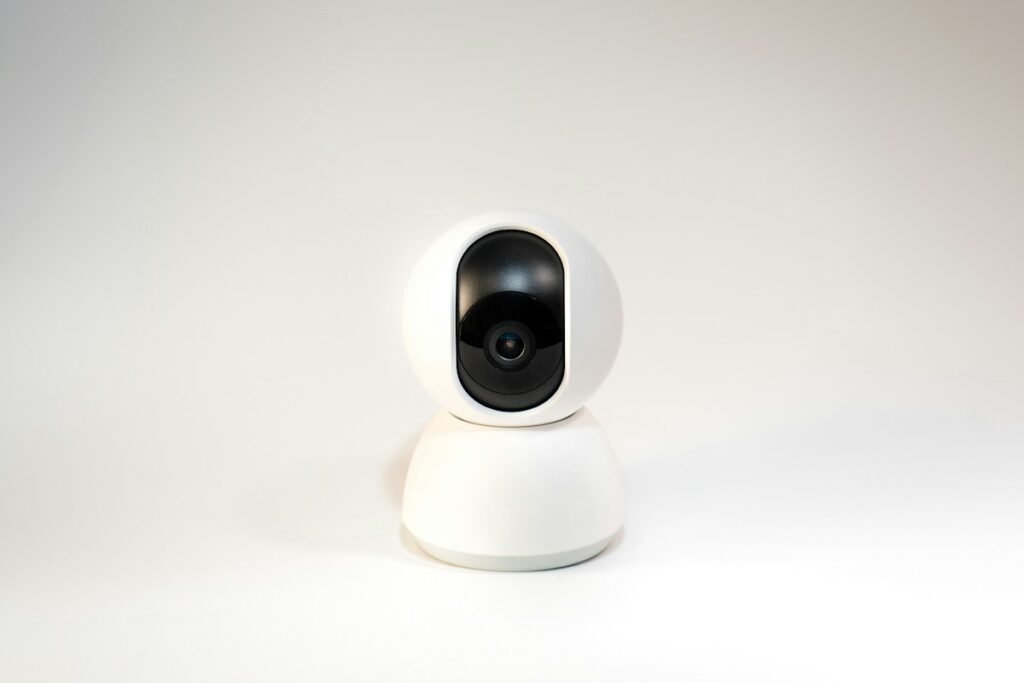
The first decision is how you can deliver power and data to the camera. A Tapo C120 suits a position with an outlet and usable Wi-Fi. The Reolink RLC-810A suits a location you can reach with Ethernet and an appropriate power arrangement. The selected Tapo listing contains one camera; the Reolink listing contains two. Compare complete installations for the same number of viewpoints before comparing their shopping totals.
This is a specification-based comparison. HotBoxCams has not measured either camera’s identification distance, alert accuracy or night performance. Those results depend on the scene and cannot be inferred from resolution alone.
The differences that change the installation
| Decision | Tapo C120 | Reolink RLC-810A two-pack |
|---|---|---|
| Selected package | One camera | Two cameras; not a recorder kit |
| Data connection | 2.4 GHz Wi-Fi | Wired Ethernet |
| Power approach | Wired 5 V supply | 802.3af active PoE or specified 12 V DC |
| Documented video | 2560 × 1440 | 3840 × 2160, up to 25 fps |
| Conversation | Microphone and speaker | Microphone recording; do not assume a talk-back speaker |
| Version check | Confirm hardware revision | Confirm lens, hardware and storage limit |
The connection and video details come from TP-Link’s C120 documentation and Reolink’s product documentation. Newer revisions and older specification sheets can differ. A retailer’s model name is not enough to settle every specification.
When the Tapo approach makes sense
Start with the C120 if the intended viewpoint already has reliable wireless coverage and nearby power, especially when you need only one position. Plan the cable route before choosing the mounting point. A wireless data connection does not remove the power cable, and an outdoor camera rating does not make every outlet, adapter or extension connection suitable for exposed weather.
Two-way audio may matter at an entrance where you want a conversation. For a camera watching a driveway from a distance, framing and recording access may matter more. Write down what you need to recognize: a person at the doorway, a delivery placed on a step, or general movement across a yard. That statement gives you a meaningful placement test.
When the Reolink approach makes sense
The two-pack is more relevant when you already want two viewpoints and can install Ethernet. Account for a compatible PoE switch or injectors, cable lengths, routing materials and the recording destination. A pair of cameras does not establish that a network recorder, recorder storage or every installation accessory is included.
Wired infrastructure can be attractive when each viewpoint needs a deliberate, permanent cable route. It also makes expansion a system-planning exercise: count ports, power capacity and storage before buying more cameras. This is an installation advantage for a suitable property, not a measured promise that the Reolink will produce better evidence in every scene.
Decide how footage will survive
Choose where recordings should live and how you will retrieve an event. A card inside a camera, a compatible recorder and a cloud service have different failure points. Consider power loss, a disconnected network, removal of the camera and an account you cannot access. Ask which of those problems your selected arrangement actually addresses.
Do not buy a card from a generic capacity claim alone. C120 revisions and RLC-810A documentation have changed over time; the selected unit’s documentation should settle the supported card type and limit. Enter your actual recording assumptions into the storage calculator, then check retention against real recordings after installation.
Make the final choice with a two-position budget
For a fair comparison, list cameras, power, network equipment, storage, mounting and any service plan in the ownership cost calculator. If you need two C120 cameras, price two. If you need one viewpoint, a two-pack is useful only if you have a clear use for the second unit.
Choose the C120 path when its outlet, Wi-Fi and conversation requirements fit the location. Choose the Reolink path when two wired viewpoints and the supporting infrastructure fit your plan. Before committing to permanent mounting, record a day clip and a night clip, walk the important route, retrieve the files and confirm that the detail you need is visible. That practical acceptance check is more valuable than declaring a winner from the pixel count.
Models and complete setups to explore
These researched examples illustrate the decisions in this guide. Check each exact variant, the documented limitations and the equipment it needs.
- Tapo C120 Indoor/Outdoor Camera — US single camera; hardware revision not specified by Amazon listing
- Reolink RLC-810A Two-Camera Pack — Pack of two bullet cameras; lens/hardware revision must be confirmed before variant-specific claims
- Home security camera setup checklist: power, placement, recording and retrieval
Sources & fact-checking
Manufacturer documentation and primary references checked 2026-11-02. Specifications can depend on region, hardware revision and selected bundle.