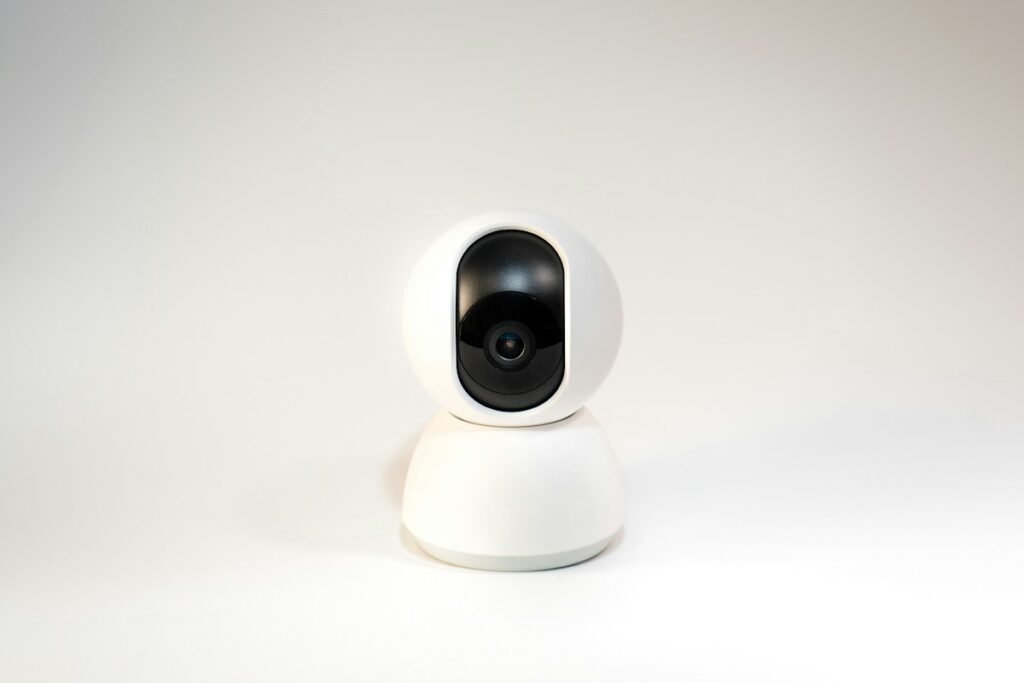
Some security cameras can keep recording without an internet connection, but that answer does not tell you whether you can watch live video, receive an alert or retrieve a clip. Check each function separately for the exact model and configuration. A useful offline plan also identifies which equipment still needs power and whether the camera requires a local network, recorder, phone app or account to perform the task.
Separate three different outages
An internet outage, an unavailable local network and a power failure are different conditions. Your camera may remain connected to a router that has lost its internet service. Alternatively, the router may be off while the camera still has power. If every device loses power, a local recording feature alone does not keep the system operating. Write down the situation you want the installation to handle before choosing equipment.
This distinction also matters when someone says a camera works without Wi-Fi. They might mean it records to a card, uses Ethernet, connects through a hub or uses cellular service. Ask which connection is absent and which one takes its place. The phrase by itself is too broad to use as a purchasing specification.
Look for a manufacturer feature matrix
Reolink’s offline-operation guidance distinguishes local access, live view, SD recording and playback from remote access, push notifications and email alerts. Its examples apply to the configurations described in that documentation. Use this kind of feature-by-feature evidence rather than transferring one model’s offline behavior to every camera in a product family.
For a Wi-Fi example, Tapo explains that supported local viewing and SD playback can work when the phone and camera remain on the same wireless network. Cloud features and notifications are a separate matter. A phone connected through cellular service is not automatically in the same situation as that phone connected to your home network.
Decide where you will review recordings
If the camera saves locally but the only playback method you intend to use depends on a remote connection, you still have a workflow gap. Decide whether you need a local monitor, an app on the same network, a computer connection or removal of the storage card. Check whether recordings use a format or encryption arrangement that requires specific software. Do not buy on the assumption that every saved file can be read by any card reader.
Plan an export test as well as a playback test. A clip visible in an app is not yet a copy you can keep elsewhere. Identify the export steps, the destination folder and how to preserve the original file. These decisions matter most when you want to retain an event beyond the ordinary recording loop.
Verify setup and restart requirements
A system that operates locally after configuration may still have particular requirements during initial setup. Reolink publishes separate setup methods for its camera, recorder and hub families. Match the instructions to your exact device. Keep the distinction between first activation, normal recording and recovery after a restart visible in your notes.
Before relying on an installation, check what happens after a camera reboot and after a router or recorder restart. Use a controlled test when the system is not needed for an important event. Write down which services were unavailable, which devices remained powered and how you confirmed the saved footage. This is a practical verification method, not a claim that all camera systems recover in the same way.
Include storage and power in the plan
A local recorder still needs enough usable storage for your intended retention. Enter realistic bitrate and recording-hour assumptions in our storage calculator. If you intend to use a backup-power system, list every component the recording path requires, including a switch or hub where applicable. Choosing backup power for the camera alone may leave another required part of the setup unavailable.
Think about where the storage sits and who can access it. A camera-mounted card is convenient for some installations, while a separate recorder changes the retrieval and placement choices. Compare these arrangements against your actual needs rather than assuming one is universally preferable. The ownership cost planner can include storage and shared equipment before you compare camera prices.
Use a simple offline acceptance test
Document the exact camera, firmware, storage and network arrangement. Record a short event with normal connectivity. Then reproduce the specific noncritical outage scenario you planned for, record another event and confirm both playback and export using the intended local method. Restore connectivity and check normal operation again. Keep your results tied to those settings; they do not automatically prove performance in every outage or configuration.
If remote alerts are essential, an offline recording capability alone will not meet your requirement. If your priority is a local archive you can retrieve on site, a documented local workflow may be sufficient. Choose around that distinction. For the related cost question, read security cameras without a subscription; avoiding a recurring plan and operating without internet are separate decisions.
Models and complete setups to explore
These researched examples illustrate the decisions in this guide. Check each exact variant, the documented limitations and the equipment it needs.
- Tapo C120 Indoor/Outdoor Camera — US single camera; hardware revision not specified by Amazon listing
- Reolink RLC-810A Two-Camera Pack — Pack of two bullet cameras; lens/hardware revision must be confirmed before variant-specific claims
- Tapo C120 vs Reolink RLC-810A: Wi-Fi or a wired two-camera system?
- Home security camera setup checklist: power, placement, recording and retrieval
Sources & fact-checking
Manufacturer documentation and primary references checked 2026-11-02. Specifications can depend on region, hardware revision and selected bundle.