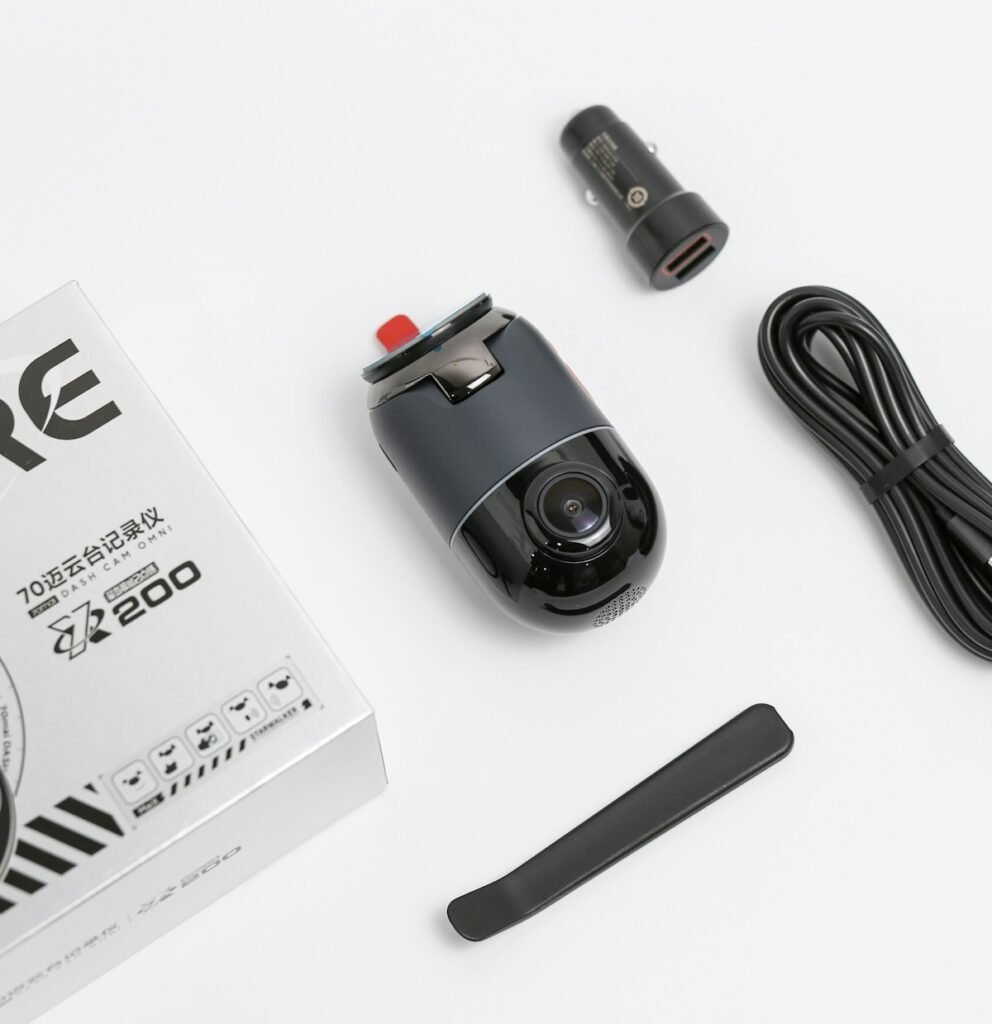
A front-and-rear dash cam and a three-channel system answer different recording needs. Start by naming the views you want: the road ahead, traffic behind and activity inside the cabin. Then check which views the exact package records. A higher channel count is useful only when the additional view serves your purpose and you are prepared for its installation, storage and power requirements.
Count useful views, not just cameras
Two-channel does not always mean front and rear. Garmin’s Dash Cam model comparison, for example, describes the Tandem as recording front and interior views. Read the package description rather than assuming that two lenses include a camera mounted at the rear window. A camera looking into the cabin is not an interchangeable substitute for a dedicated rear-facing view.
Similarly, check what a three-channel kit includes. The VIOFO A229 Pro three-channel specification identifies front, rear and interior cameras, with different resolution specifications for each. The model is an example of why you should read the per-channel table, not transfer a large front-camera resolution label to every recorded view.
When front and rear may be enough
A front-and-rear arrangement is a practical starting point when your main purpose is documenting the road around the vehicle and you do not need an interior view. Think through the incidents you want to understand later. Would the additional cabin image answer a meaningful question, or would it mostly create another stream to store and manage? There is no benefit in buying a feature you cannot explain a use for.
Use the budget saved by a simpler arrangement deliberately. You might need compatible storage, a better installation route, a required parking-power kit or another accessory. Compare complete systems at the budget you can actually spend. Our ownership cost planner makes those extra items visible before you decide that one camera package is cheaper.
When an interior camera adds value
An interior view deserves consideration when recording activity inside the vehicle is part of the purpose, such as a passenger-facing work arrangement or documenting interactions within the cabin. Decide who needs access to that footage and how you will manage it. Plan how occupants will be told about recording and check the requirements that apply to your particular use before enabling cabin audio or video.
Check the intended mounting location and preview the actual cabin view. Seats, headrests, mirrors and the shape of the vehicle can affect what appears in the image. Do not assume a product illustration represents your cabin. If night recording matters, look for documentation of the interior camera’s night mode and review footage from your own installation before relying on it.
Compare the active modes, not isolated maximums
Look for the resolution and frame-rate combination available when all intended cameras are connected. Ask whether enabling an additional view changes any setting you care about. Also check how the files are grouped and exported. A system may produce separate files per channel, and your review process should make it easy to identify corresponding clips from the same event.
Do not use pixel count alone to promise that plates, faces or distant details will always be readable. Instead, define the detail you need and inspect the relevant view under representative conditions. This guide explains how to compare documented configurations; it does not claim controlled image-quality testing of the example models.
Plan the installation before ordering
Check the included cable lengths and approved extensions, if any, against the actual cable route. A hatchback, large SUV or pickup may need a different installation plan from a small sedan. Consider which rear-camera placement is supported and whether the selected accessory is intended for interior or exterior mounting. A similar connector does not establish that a different camera module is compatible.
Record the exact kit contents and list any missing parts. Route and secure equipment according to the vehicle and camera instructions, using appropriate installation help where needed. After installation, verify every view while safely parked. A rear camera that is connected but pointed at an obstruction does not deliver useful coverage.
Account for storage and parking operation
Use the combined bitrate of the active channels when estimating retention in the storage calculator. Check the exact system’s card recommendations and supported capacity. Our memory-card guide explains the separate role of endurance and compatibility. Then check whether your chosen parking mode uses all the views you expect and which power equipment it requires.
Your final choice should be a written configuration: front and rear, front and cabin, or front, rear and cabin; exact camera modules; intended recording settings; compatible storage; and a supported power arrangement. Buy the views that solve your recording problem, then verify that you can find and export them together when reviewing a test event.
Models and complete setups to explore
These researched examples illustrate the decisions in this guide. Check each exact variant, the documented limitations and the equipment it needs.
- VIOFO A229 Pro 2CH — Front and rear two-camera system; not Tele, waterproof rear, or three-channel bundle
- THINKWARE U3000 Front-and-Rear OBD Bundle — Two-channel kit with 64GB card, CPL filter and OBD-II power cable
- VIOFO A229 Pro vs Thinkware U3000: compare the complete dash-cam installation
- Dash cam installation checklist: two channels, parking power and usable evidence
Sources & fact-checking
Manufacturer documentation and primary references checked 2026-11-02. Specifications can depend on region, hardware revision and selected bundle.