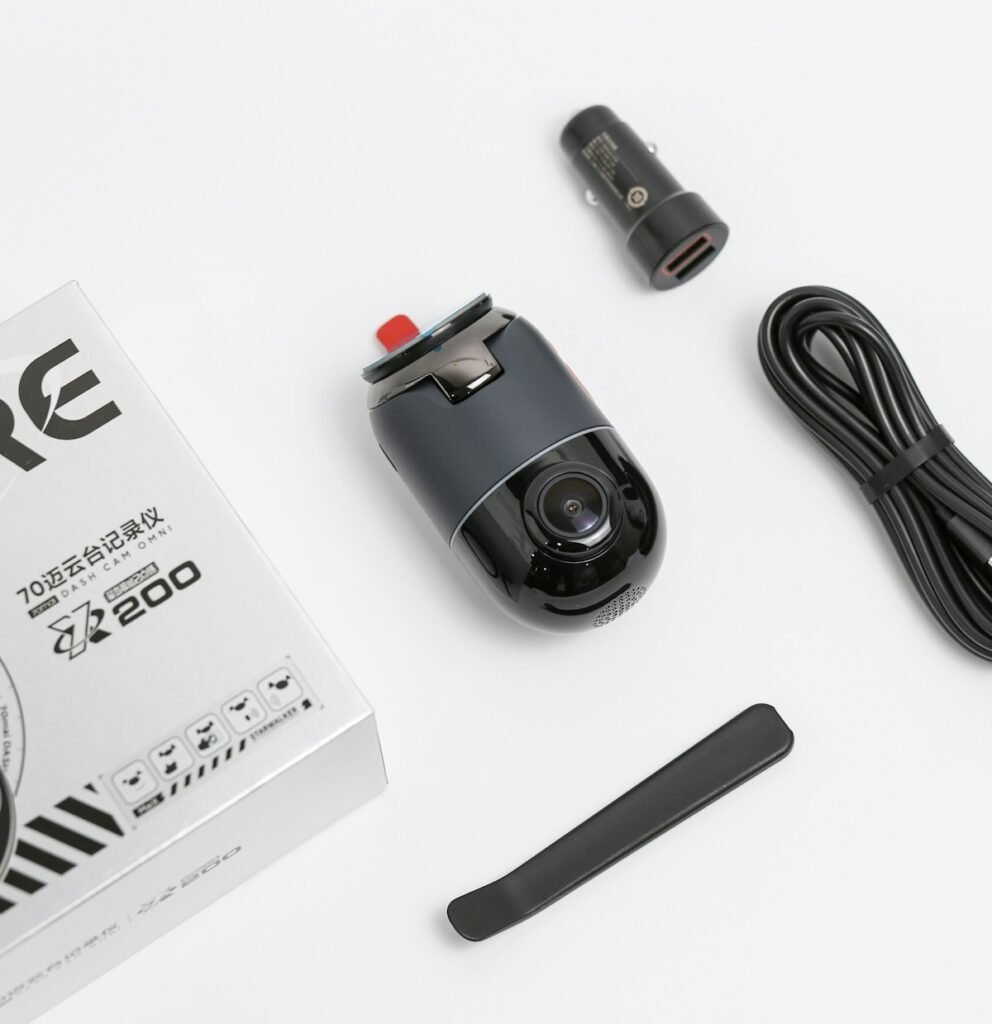
Parking mode is a collection of recording functions, not a promise that a dash cam will record every incident for as long as a vehicle is parked. Your result depends on the camera, selected mode, compatible power equipment, settings and storage. Before buying, decide what you want to capture and how long you want the camera to remain available. Then verify the complete configuration rather than the parking-mode label alone.
Choose the recording behavior you actually need
A parking-mode comparison should say how recording starts, what footage is saved and what happens between events. An event-based mode is different from a continuously recorded timeline. Time-lapse and low-bitrate modes make different compromises again. Read the model’s explanation of each mode, including whether an event clip can include footage from before the trigger. A mode name shared by two cameras does not prove identical behavior.
As one documented example, the VIOFO A229 Pro three-channel specification lists auto event detection, time-lapse and low-bitrate parking options, plus buffered parking support. That example explains what to look for in a specification table; it is not a recommendation that every driver needs that particular system or all three views.
Understand how the camera knows you parked
In its parking-mode support guidance, VIOFO describes using the hardwire kit’s ACC signal to switch between driving and parking operation. Check the instructions for your exact camera and kit. Providing electrical power and providing the intended mode-switching behavior are related but distinct requirements.
This is why a cable with the right connector is not sufficient evidence of compatibility. Record the camera model, intended kit, connection method and supported parking functions together. If you plan to reuse an older installation, verify it rather than assuming that a newer camera with a similar port will behave the same way.
Compare supported power arrangements
Possible arrangements vary by manufacturer and model. VIOFO’s current FAQ, for example, describes a hardwire option and an OBD2 charger option for parking use. Check the applicable device documentation before treating either as suitable for your purchase. A dedicated battery arrangement should also be checked as a complete supported system, including how it signals the camera and how it is charged.
For a hardwired installation, account for the correct kit, appropriate vehicle connection, cable routing and professional installation where needed. Do not place a generic accessory in the shopping basket simply because its title says parking mode. Our compatibility checker keeps sourced relationships separate from unknown ones.
Set a realistic parking duration
Available recording time is not established by the camera name. Power availability, camera settings and the number of active channels matter. A cutoff or timer can deliberately end recording before the end of a long parking stay. VIOFO’s cutoff-voltage guidance describes the tradeoff between longer recording and a more conservative cutoff. Use the exact kit’s documented options; do not assume one threshold guarantees starting under every vehicle condition.
Write a practical target such as covering a typical workday parking period, then test your own arrangement. Avoid turning an advertised maximum or an ideal power calculation into a guaranteed duration. If overnight or multi-day coverage is essential, make that a requirement before comparing systems rather than discovering the limitation after installation.
Include the storage consequences
Parking footage shares the storage plan with driving footage according to the camera’s rules. Check how files are allocated, how loop recording works and how protected events are retained. More channels and longer recording windows can change your storage needs. Use the storage calculator with a documented or measured total recording rate, not an assumed bitrate based only on a 4K label.
Also verify which memory cards the manufacturer recommends for that exact model. Our dash-cam memory-card guide explains why capacity, speed and endurance need separate checks. A suitable power installation is only part of a dependable recording workflow.
Test before relying on the setup
With the vehicle safely parked, confirm that the camera switches into the intended mode. Create a harmless test event appropriate to the documented trigger, inspect the saved files, and check the views from every active camera. Confirm how the camera returns to normal recording. Repeat after a meaningful firmware or power-setting change rather than assuming the earlier test covers a different configuration.
Your buying checklist should end with exact model and kit names, required installation items, an understandable recording mode and a realistic storage and power plan. This guide explains documented behavior and a verification process; it does not claim a measured parking runtime for a vehicle or camera we have not tested.
Models and complete setups to explore
These researched examples illustrate the decisions in this guide. Check each exact variant, the documented limitations and the equipment it needs.
- VIOFO A229 Pro 2CH — Front and rear two-camera system; not Tele, waterproof rear, or three-channel bundle
- THINKWARE U3000 Front-and-Rear OBD Bundle — Two-channel kit with 64GB card, CPL filter and OBD-II power cable
- VIOFO A229 Pro vs Thinkware U3000: compare the complete dash-cam installation
- Dash cam installation checklist: two channels, parking power and usable evidence
Sources & fact-checking
Manufacturer documentation and primary references checked 2026-11-02. Specifications can depend on region, hardware revision and selected bundle.
- www.viofo.com — products/viofo a229 pro 3ch 4k 2k 1080p hdr 3 channels car dash camera with sony starvis 2 sensors for lyft taxi ridesharing drivers
- support.viofo.com — support/solutions/articles/19000127941 can i turn on off parking mode manually how does parking mode work
- www.viofo.com — pages/faq
- support.viofo.com — support/solutions/articles/19000112185