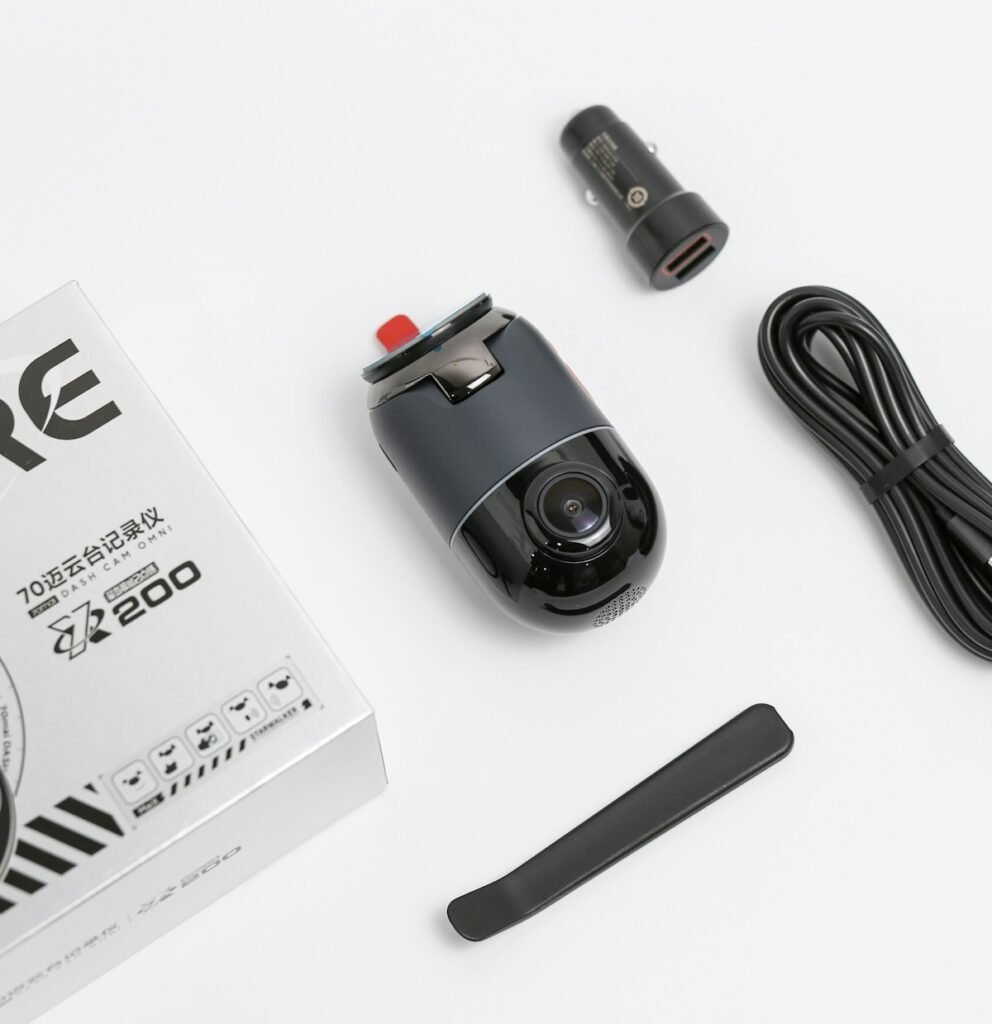
The right dash-cam memory card is the one your exact camera supports for the way you record. Capacity alone is not enough. Check the camera’s supported card types and capacities, the required write performance, the manufacturer’s compatibility guidance and whether the card is intended for repeated recording. Then estimate how much footage your chosen configuration should retain before the recording loop replaces older files.
Start with the camera, not the card advertisement
Find the full camera model and current storage guidance. Do not assume a card that works in a still camera, phone or another dash cam will be the right choice here. Also confirm whether the card must be formatted in the camera and whether firmware changes affect support. Keep the exact card family and capacity on your purchase list rather than using a vague description such as a fast 256GB card.
VIOFO’s memory-card guidance treats capacity, write speed, endurance and compatibility separately, and identifies specific recommended card families. Garmin’s guidance provides its own recommendations. These lists illustrate why advice should stay tied to the camera manufacturer and model rather than becoming a universal endorsement of every card carrying a familiar brand.
Understand the speed label you are comparing
An advertised maximum transfer speed is not the whole story for continuous video recording. The SD Association explains speed classes as minimum sequential-access performance under the standard’s defined conditions. Match the camera’s specified requirement, including the intended recording mode. Do not replace that requirement with an assumption that the largest number printed on the package makes a card suitable.
Keep sustained performance and endurance separate in your comparison. One concerns the required recording workload; the other concerns repeated use. A higher-capacity card can provide more room, but it does not automatically resolve an incompatible card family or an unsuitable operating arrangement. Read the manufacturer’s notes and any exclusions before paying extra for capacity.
Estimate retention from the total recording rate
If a camera records several views, include the combined bitrate of those views. A front camera’s bitrate alone does not represent a front-and-rear or three-channel system. Use the recording storage calculator with measured or documented values. When the channels use different rates, add them first or calculate each stream separately and combine the storage requirement.
For a transparent planning example, a combined average of 24 Mbps produces about 10.8 decimal GB in one hour: 24 multiplied by 3,600 seconds, divided by eight bits per byte and then by 1,000. A nominal 128GB card would therefore represent roughly 11.9 hours before reserved space or other overhead. This is arithmetic for an assumed bitrate, not a promised retention time for a particular dash cam.
Check what loop recording actually protects
Read the model’s explanation of ordinary files, event files and manually protected clips. Find out what happens when each storage area fills. Do not assume that pressing a save button creates an unlimited permanent archive. If a recording matters, export and verify a separate copy rather than leaving your only copy inside an actively recording device.
VIOFO’s memory-error guidance distinguishes incompatible or faulty media from a full-card condition associated with loop-recording settings. That distinction is useful when troubleshooting: first identify the message and current settings, then follow the model-specific procedure. Do not erase a card containing footage you need before preserving that footage.
Buy and verify the exact card
Check the full card name, capacity, packaging and seller information. Similar-looking card families can have different intended uses. Keep purchase documentation and compare what arrives with what you ordered. Follow the camera manufacturer’s preparation instructions, then record a realistic session with every channel enabled and review the resulting files.
That first test should include ordinary playback and export, not merely checking that the camera displays a recording icon. Look at the beginning, middle and end of the session, and confirm that the expected views are present. For parking use, repeat with the selected parking mode. Our parking-mode guide explains why power and storage should be planned together.
Make maintenance part of ownership
Follow the documented inspection and formatting routine for your camera, preserving needed footage first. Treat repeated recording errors as something to investigate rather than dismissing them because a card worked last month. Recheck compatibility when changing cameras or adding a channel. Your final shortlist should name a supported card family and capacity, explain the expected recording workload and include a working method for retrieving important clips.
Models and complete setups to explore
These researched examples illustrate the decisions in this guide. Check each exact variant, the documented limitations and the equipment it needs.
- VIOFO A229 Pro 2CH — Front and rear two-camera system; not Tele, waterproof rear, or three-channel bundle
- THINKWARE U3000 Front-and-Rear OBD Bundle — Two-channel kit with 64GB card, CPL filter and OBD-II power cable
- VIOFO A229 Pro vs Thinkware U3000: compare the complete dash-cam installation
- Dash cam installation checklist: two channels, parking power and usable evidence
Sources & fact-checking
Manufacturer documentation and primary references checked 2026-11-02. Specifications can depend on region, hardware revision and selected bundle.
- support.viofo.com — support/solutions/articles/19000133471 what memory card is recommended for a viofo dashcam
- support.garmin.com — en GB
- www.sdcard.org — consumers/about sd memory card choices/speed class standards for video recording
- support.viofo.com — support/solutions/articles/19000089508 why is the dashcam popping up a memory error or memory full