Action & 360
Action camera recording setup: choose the mode, mount and export before the trip
Rehearse the complete recording day, from conventional or 360 framing through memory, mounting, power and the final exported clip.
Read the guideFind your complete setup
Compare conventional action cameras and 360 cameras around framing, mounting, audio, water exposure, power and editing requirements.
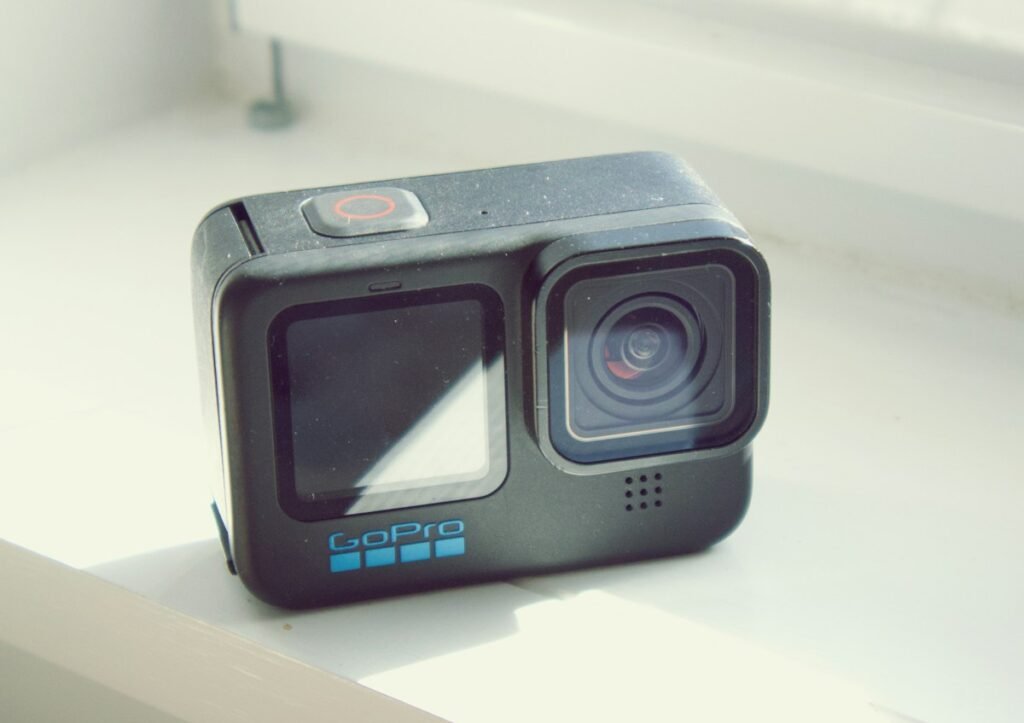
Make a confident choice
Action & 360
Rehearse the complete recording day, from conventional or 360 framing through memory, mounting, power and the final exported clip.
Read the guideAction & 360
Compare framing, reframing, editing time, accessories and output requirements before choosing a conventional action camera or a 360 model.
Read the guideAction & 360
Plan voice, ambient sound and backup tracks together, and verify the exact camera, microphone, adapter and firmware combination.
Read the guideAction & 360
Check the exact camera, seals and housing—and distinguish surviving underwater from producing the footage you want.
Read the guideAn action camera should fit the activity and the finished video you want to share. Think about where it will mount, how you will operate it and what happens after recording. A conventional wide-angle camera and a 360 camera offer different ways of capturing a scene, and neither is automatically the better choice for every trip.
With a conventional camera, you aim the view before recording and work within that composition. A 360 workflow gives you more freedom to choose a view afterward, but introduces stitching, reframing and export decisions. Decide whether that flexibility solves a real problem: following an unpredictable subject, changing the composition after a ride or producing several viewpoints from one recording.
Compare the final exported video, not just the capture-resolution headline. A resolution figure describing a broad or spherical recording does not directly describe the detail in a narrower finished view. Look for representative exports and a clear explanation of the settings used to make them.
If you expect to edit on a phone, check the current app requirements and the functions supported with your chosen camera. If you plan to use a computer, check that computer against the editing software’s published requirements. Leave enough storage for original files, working copies and exports.
Insta360’s download and software page describes desktop reframing and publishes hardware requirements. Its ReFrame tutorial also explains a workflow using original and proxy files. These are useful reminders to plan the whole process instead of treating editing as an afterthought.
Write down the intended camera position and the movement it will experience. Check the mount’s compatibility, fastening method and the manufacturer’s instructions for that application. Include the clearance needed to operate controls, open doors and remove the camera. A bundle with many mounts is only useful if it includes a suitable one for your activity.
Before recording an important session, make a short trial clip with the intended mount. Review the horizon, obstructions, vibration and whether the subject remains in view. Confirm the attachment without relying on a camera’s image stabilization to compensate for an unsuitable mounting arrangement.
A camera’s normal water-resistance claim may depend on closed doors, installed seals and a particular configuration. Adding an external microphone, a power cable or another accessory can change that arrangement. Read the instructions for both the camera and the accessory, including any depth, duration or maintenance conditions.
For example, GoPro’s Media Mod 2.0 page explicitly says that accessory is not waterproof. That statement belongs to that product; use the equivalent documentation for the exact equipment on your shortlist. Do not transfer the camera body’s rating to an assembled rig without checking.
Decide whether you need speech, ambient sound or both. Then check the supported microphone path: a dedicated adapter, an accessory frame, a direct connection or a documented wireless option. A connector’s shape is not enough to establish microphone support.
GoPro’s HERO13 Media Mod guidance describes the accessory’s ports and microphone settings. AKASO’s EK7000 guidance notes that product versions can have different microphone interfaces. Check the precise camera version before adding an audio accessory to a shopping list.
Describe the longest uninterrupted segment you need, then verify the supported recording settings and power arrangement. Battery changes may be straightforward for short clips but disruptive for a long demonstration. External power may help in a supported setup while also changing cable routing and the camera’s sealed configuration.
Read the memory-card requirements for the selected recording mode. Plan how you will check clips and copy the originals during a trip. A high-capacity card is convenient, but it should not become the only copy of several days of irreplaceable footage.
For a fair comparison, keep the recording task consistent. A compact setup for short outdoor clips and a powered camera for a long narrated tutorial should not be judged by the same single specification. The best fit is the complete arrangement that produces the video you need with a workflow you will actually use.
Manufacturer documentation and primary references checked 2026-11-02. Specifications can depend on region, hardware revision and selected bundle.
Exact models. Clear conditions.
As an Amazon Associate I earn from qualifying purchases. How our links work.
Standard Combo with one battery; not Adventure Combo
Compact action recording with a conventional wide-angle video workflow.
Osmo Pocket 3 standard camera package
Handheld travel videos and compact vlogging
HERO13 Black camera
Mounted action footage and flexible high-resolution recording
Ace Pro 2 Dual Battery Bundle
Action filming with a flip screen and a spare battery
GO 3S 128 GB Black Bike Bundle with Action Pod, bike accessories and selfie stick
Lightweight wearable and cycling point-of-view clips
Standard bundle without microSD card
Capturing a 360-degree scene for later reframing or using a conventional single-lens view.
Action & 360
The practical comparison is framing and editing: a conventional action camera versus a 360 camera, with exact Standard bundle differences made clear.
Compare the details