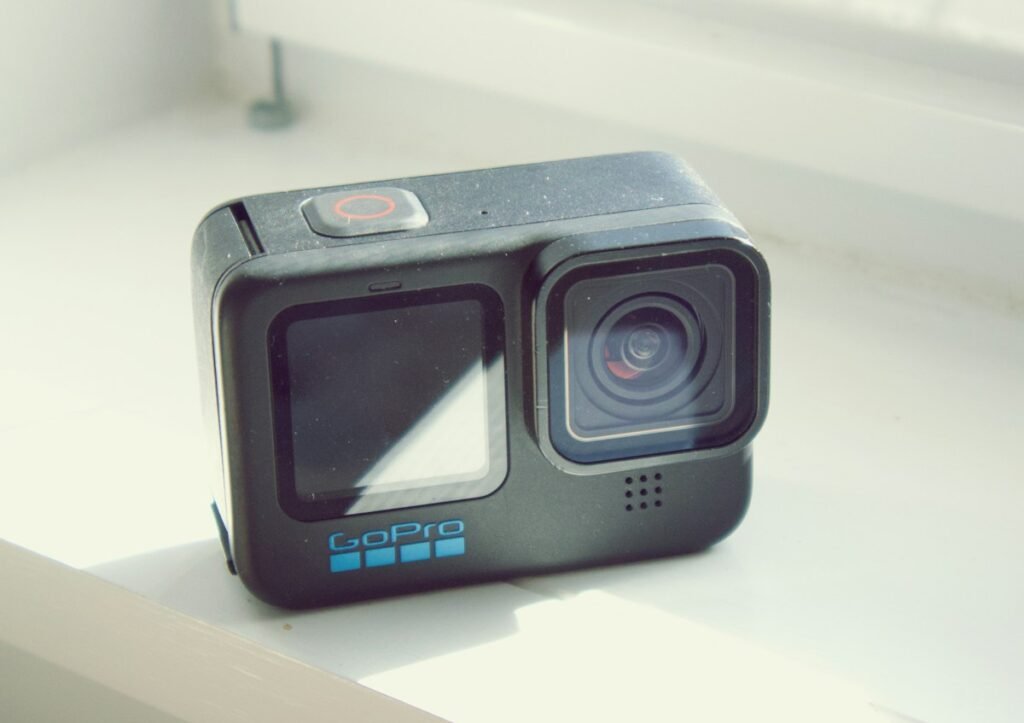
Choose a conventional action camera when you want to aim a view and work primarily with that captured framing. Consider a 360 camera when being able to choose a viewing direction later is valuable enough to justify its workflow and accessories. Neither category is automatically better for every trip or activity. Start with the finished video you want, the way you will mount the camera and the amount of editing you are willing to do.
Decide when you want to choose the view
With a conventional action-camera setup, camera placement and pointing direction are central parts of composing the shot. A 360 workflow can let you choose a perspective from the captured spherical scene during editing. Insta360’s View Adjustment documentation describes that reframing process and notes that it applies to 360 media rather than ordinary single-lens footage.
Ask what that flexibility would solve. If you want to alternate between a rider and the surrounding scenery after recording, reframing may be useful. If you normally want one forward-facing view and quick publishing, a simpler capture path may fit better. Make the choice around your actual output instead of paying for flexibility you do not expect to use.
Compare output modes, not only the largest resolution number
A resolution describing a complete 360 image and a resolution describing a flat view are not equivalent framing specifications. Check the mode you will use and the kind of file it produces. A selected portion of a spherical scene is a different output from the full scene. Exporting a file with larger dimensions does not by itself prove that every visible detail was captured at that level.
Mode details can matter within the same camera. Insta360’s X5 InstaFrame documentation distinguishes output options according to firmware and whether the 360 backup is enabled. Check the current table for the exact mode, rather than assuming every feature can run simultaneously at the headline maximum.
Budget time and storage for editing
Try to complete the intended workflow before an important project: transfer a sample, select the framing, adjust the edit and export the result. Check the supported phone or computer, software version, available storage and output format. The most capable camera on a specification sheet may be inconvenient if your editing device struggles with the files or if you dislike the extra steps.
Keep original media until you are satisfied with the finished work and your backup arrangement. Decide whether you want one quick social clip, a longer edited film or an immersive 360 deliverable. Those outputs can require different handling. A simple way to compare options is to time your own representative edit rather than guessing from a promotional demonstration.
Think through mounting and nearby subjects
For 360 capture, check the manufacturer’s advice about lens placement, subject distance and stitching. Insta360’s X5 stitching guide discusses camera alignment, nearby subjects and accessory settings. A wider captured scene does not remove the need to position the camera carefully. Mounts, cables and people close to the camera can become part of the composition you must manage.
For a conventional action camera, verify that the chosen mount produces the angle you need while leaving controls and the lens unobstructed. With either type, judge the finished assembly rather than the camera body alone. Include required mounts, batteries, storage and any microphone equipment in the purchase comparison.
Match underwater equipment to the imaging task
If underwater recording is part of the plan, check both physical water protection and the image workflow. A 360 system can require a suitable dive case for stitching even when the camera itself has a water-depth rating. Our waterproofing guide separates those questions. Compare complete underwater kits, not a bare conventional camera against a 360 camera plus unbudgeted accessories.
Also decide whether the audio matters to that footage. Narration, ambient sound and immersive playback are different goals. The audio guide explains why the exact microphone, connection and recording mode should be part of the camera decision.
Use a short decision exercise
Describe three real clips you expect to make. For each, write the camera position, desired view, publishing destination and acceptable editing time. Then identify any feature that is essential rather than merely interesting. Use model comparison to review the documented capabilities of shortlisted cameras and the cost planner to include the complete setup.
Choose a conventional action camera when a deliberately aimed view and straightforward workflow match those clips. Choose a 360 model when reframing or immersive output solves a defined problem and your editing setup supports it. Verify the exact modes and accessories before ordering; this guide offers a decision process rather than an untested image-quality ranking.
Models and complete setups to explore
These researched examples illustrate the decisions in this guide. Check each exact variant, the documented limitations and the equipment it needs.
- DJI Osmo Action 5 Pro Standard Combo — Standard Combo with one battery; not Adventure Combo
- Insta360 X4 Standard Bundle — Standard bundle without microSD card
- DJI Osmo Action 5 Pro vs Insta360 X4: conventional footage or 360 capture?
- Action camera recording setup: choose the mode, mount and export before the trip
Sources & fact-checking
Manufacturer documentation and primary references checked 2026-11-02. Specifications can depend on region, hardware revision and selected bundle.