Photo & Video
Camera Lens Compatibility: Mount, Sensor Coverage and Adapter Limits
Verify the exact camera and lens combination, including crop behavior, adapters, autofocus and the recording mode you intend to use.
Read the guideFind your complete setup
Choose a camera, lens and lighting setup for product photos, everyday photography and video, with attention to compatibility and the final image.
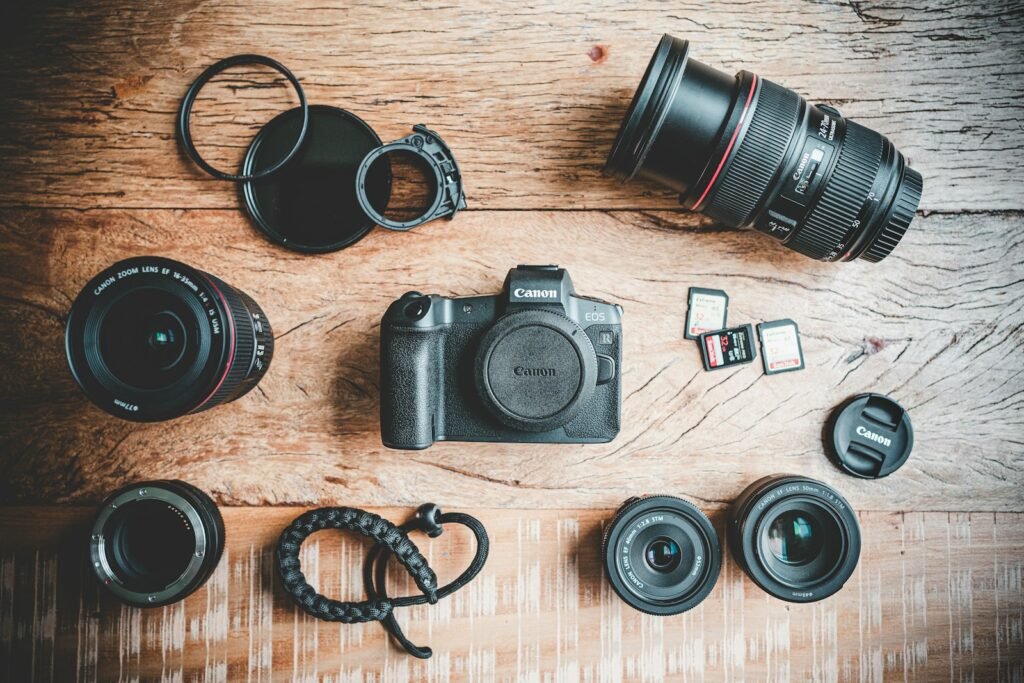
Make a confident choice
Photo & Video
Verify the exact camera and lens combination, including crop behavior, adapters, autofocus and the recording mode you intend to use.
Read the guidePhoto & Video
Choose a camera, lens and lighting workflow for clear listing photos, from full products to miniature details and condition images.
Read the guidePhoto & Video
Use reproduction ratio, subject size and working distance to choose a lens for small products, miniatures and detail photographs.
Read the guidePhoto & Video
Build a repeatable tabletop workflow around framing, light, focus, color and export before adding more camera equipment.
Read the guideA good camera purchase starts with the pictures you want to make. A small-product seller, a parent recording family life and a creator filming an overhead tutorial can need very different combinations of lens, support, lighting and audio. Plan that combination before spending the whole budget on a camera body.
Compare lenses for your camera: Browse 28 lens guides by Canon RF, Sony E / FE, Nikon Z and Micro Four Thirds mount. Check the exact body, sensor coverage and required autofocus or stabilization features before choosing a lens.
Write down the size of the subject, how much it moves, the available space and where the finished image will appear. A full-product listing photo, a close view of a tiny decal and a moving demonstration are separate jobs. Identify which one matters most and which compromises are acceptable.
Consider what you already own. A phone or existing camera may produce the required result once the light and support are improved. Make a simple reference image first. Look for the actual limitation: insufficient detail, an unsuitable viewpoint, unreliable focus, poor lighting, awkward operation or a recording restriction. That gives the next purchase a concrete purpose.
For an interchangeable-lens system, confirm the exact lens mount and any limitations of an adapter. Check whether the lens covers the camera’s sensor and whether the combination provides the autofocus and stabilization behavior you need. A kit containing an unsuitable lens can be less useful than a simpler body with the right one.
For small subjects, compare maximum magnification and usable working space. Minimum focus distance is normally measured from the camera’s image plane, so it should not be treated as the empty space between the front of the lens and the product. Allow room for lights, hands and the subject itself.
Nikon’s macro guide explains reproduction ratio and the relationship between close-up work and shallow depth of field. Canon’s RF lens specifications show why “macro” alone is insufficient: different lenses list different magnifications and focusing distances. Compare those figures against the image you need to make.
A product’s surface determines how it responds to light. Painted diecast cars, clear packaging, matte model parts and polished metal do not all benefit from the same arrangement. Begin with one controllable light source and a stable camera position. Move the light or a diffusion surface and watch how the reflections change before adding more equipment.
Keep the background simple and leave room to separate it from the product when needed. A white background should still preserve the edges of a white or transparent item. A technically bright image is not successful if it loses the detail a buyer needs to see.
Canon’s product-photography guidance emphasizes adapting the light to the subject and controlling the capture before editing. Use that approach to evaluate a setup: can you repeat the result, see the important texture and represent the color consistently?
When a small object fills the frame, decide which parts must appear sharp. Try changing the camera angle so important surfaces lie closer to the same focus plane. Then evaluate aperture, light and support together. Do not assume the smallest available aperture will automatically produce the best result.
A tripod and a static subject let you make deliberate comparisons without changing the composition each time. If one exposure cannot cover the required depth, focus stacking may be an option, but it adds capture and editing work. Before buying equipment for that workflow, establish whether a single carefully arranged photograph already meets your output needs.
List the required framing, recording duration, audio connection and method of support. An overhead craft camera needs working clearance above the table. A handheld walk-through needs a different arrangement. A livestreaming camera must work with the intended computer and capture path, not merely record an attractive file internally.
Check continuous power, supported recording modes, storage requirements and any documented limitations. For audio, verify the actual microphone connection and supported accessory. Include the cost of suitable cables and mounts in the plan. A USB connector or HDMI port alone does not explain every capability available through it.
When evaluating example photographs, look for the lens, aperture, lighting and processing information. Those details make a comparison useful. This department focuses on selection and practical setup; manufacturer specifications are kept separate from any future hands-on measurements or original image tests.
Manufacturer documentation and primary references checked 2026-11-02. Specifications can depend on region, hardware revision and selected bundle.
Exact models. Clear conditions.
As an Amazon Associate I earn from qualifying purchases. How our links work.
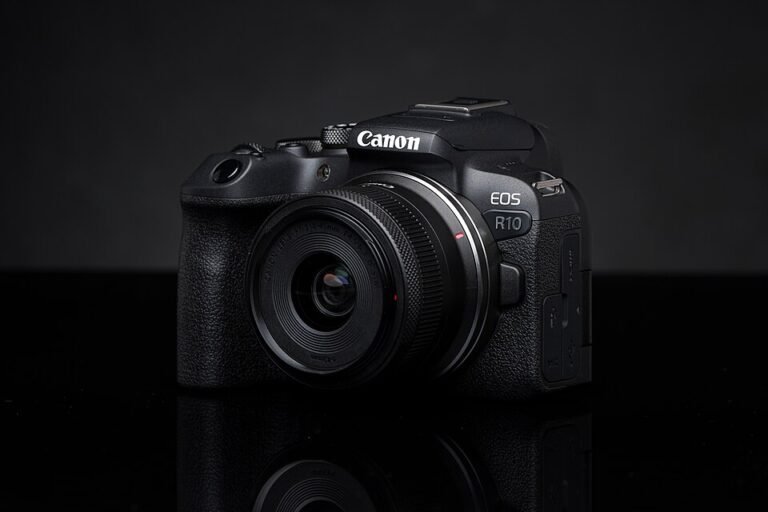
Black camera with RF-S 18–45mm F4.5–6.3 IS STM lens
Enthusiasts building an APS-C Canon system.
Black RF-S18-45mm F4.5-6.3 IS STM lens kit
A complete starting camera-and-lens kit for general photographs and tabletop creator work.
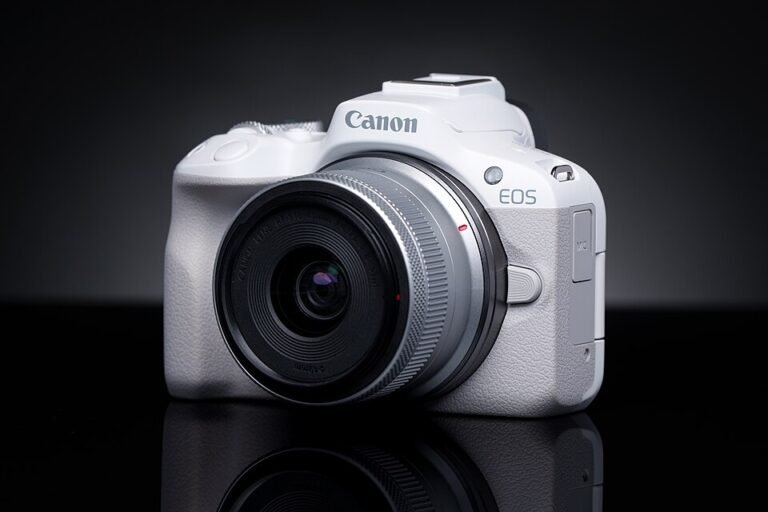
White camera with RF-S 18–45mm F4.5–6.3 IS STM lens
Beginners, family photography and compact creator setups.
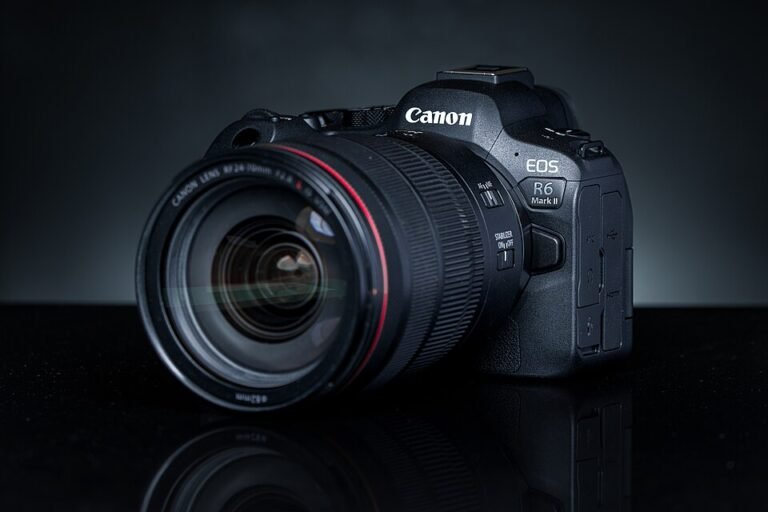
Black body only
Hybrid shooters, event photographers and existing Canon RF owners.
Black body with RF 24–50mm F4.5–6.3 IS STM lens
Travel and hybrid photographers moving into Canon full frame.
Black with RF 24–105mm F4–7.1 IS STM lens
General stills and travel with one flexible full-frame zoom.
Black with XC 15–45mm F3.5–5.6 OIS PZ lens
Compact Fujifilm creator kits and everyday photography.
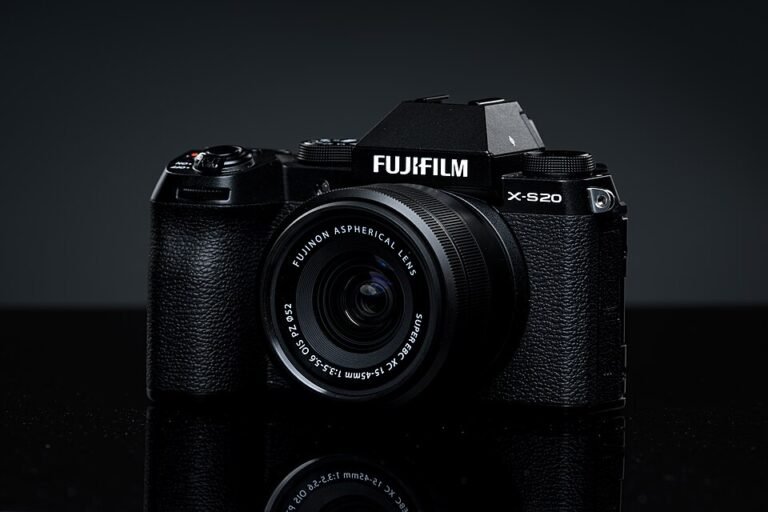
Black body only
Hybrid Fujifilm creators choosing their own lens.
Black body only
Detailed stills, travel and photographers who prefer physical controls.
Black body only
Compact, high-resolution Fujifilm stills setups.
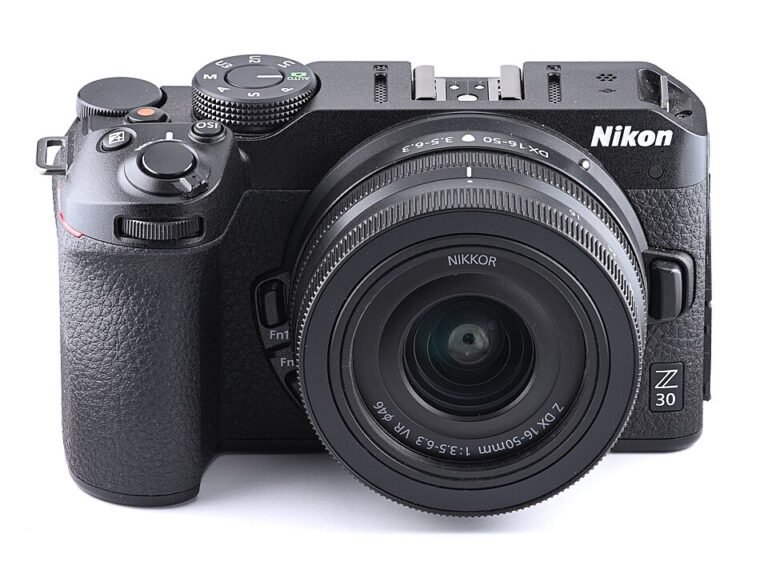
Black camera with NIKKOR Z DX 16–50mm VR lens, Nikon USA model
Nikon-based creator setups, desk videos and everyday stills.
Black body only, Nikon USA model
Full-frame stills photography and Nikon users planning a Z-mount system.
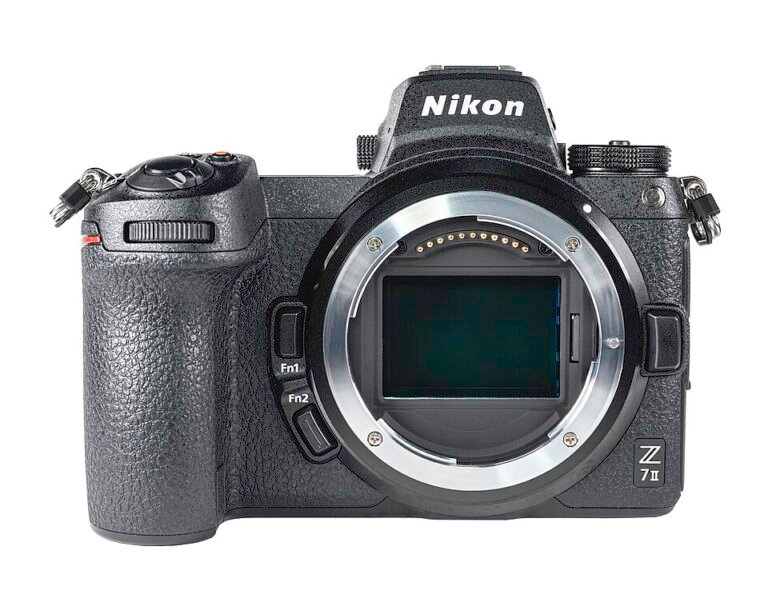
Black body only, Nikon USA model
Landscape, studio and detailed still-image work.
Silver camera with NIKKOR Z DX 16–50mm VR lens, Nikon USA model
Travel, everyday photography and photographers who enjoy physical controls.
Silver with M.Zuiko Digital ED 14–42mm F3.5–5.6 EZ lens
Everyday photography and small travel kits.
Black body only, US model
Wildlife, outdoor and portable telephoto systems.
Silver with M.Zuiko Digital ED 12–45mm F4 PRO lens
Hiking, travel and a compact one-zoom outdoor kit.
Black DMC-G85MK with 12–60mm F3.5–5.6 Power OIS lens
Everyday hybrid kits and controlled indoor video.
DC-G97MK9 with LUMIX G Vario 12–60mm F3.5–5.6
Travel and everyday photographers wanting one flexible starter zoom.
Body only, DC-GH7BODY9
Video-focused creators who plan media and editing workflows.
Black body only, DC-S5M2XBODY
Hybrid creators and video workflows built around full-frame L-Mount.
Black with 18–40mm F4.5–6.3 lens, DC-S9NK9
Compact full-frame travel and wide-angle creator setups.
Black body only, ILCE-7C/B
Travel photographers who want a compact full-frame E-mount body.
Black body only
Travel photographers and creators building a compact E-mount kit.
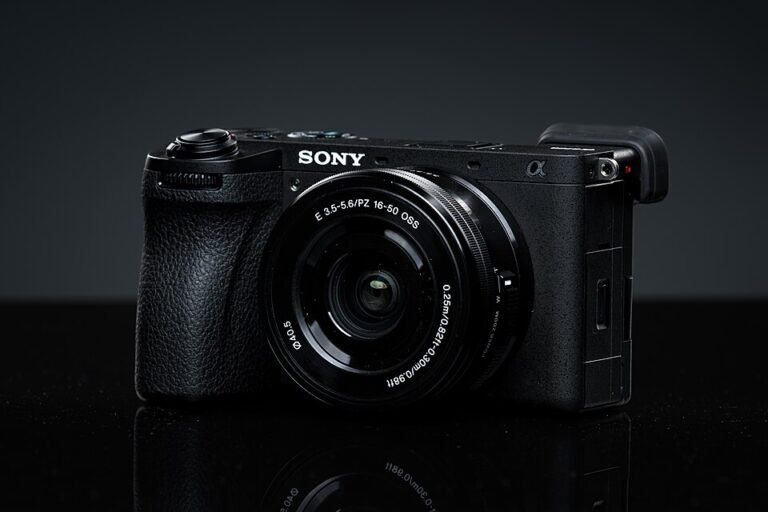
Black body only
APS-C hybrid shooters who want room to grow their video workflow.
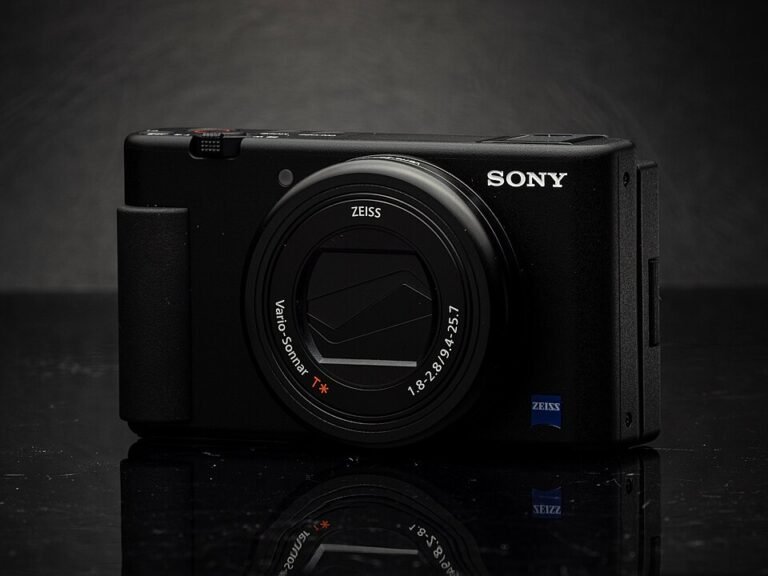
Black fixed-lens compact camera
Travel clips and compact creator kits without interchangeable lenses.
Black fixed-lens compact camera
Wide-angle vlogging and straightforward compact video setups.
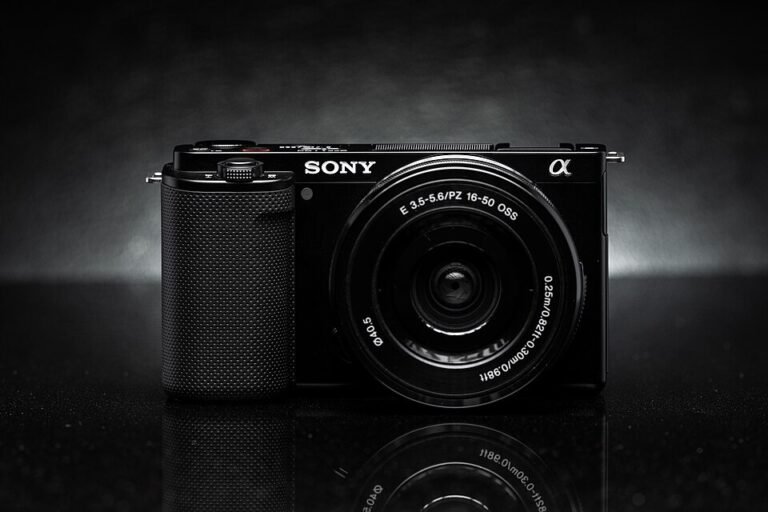
Black body only, first generation
Entry creator setups and E-mount owners adding a video body.
Black body only; no lens
Interchangeable-lens creator work when the owner wants to choose a task-specific lens.
Photo & Video
Compare a ready-to-start Canon zoom kit with a Sony body that still needs a lens, then match video modes and lens systems to the work.
Compare the details


