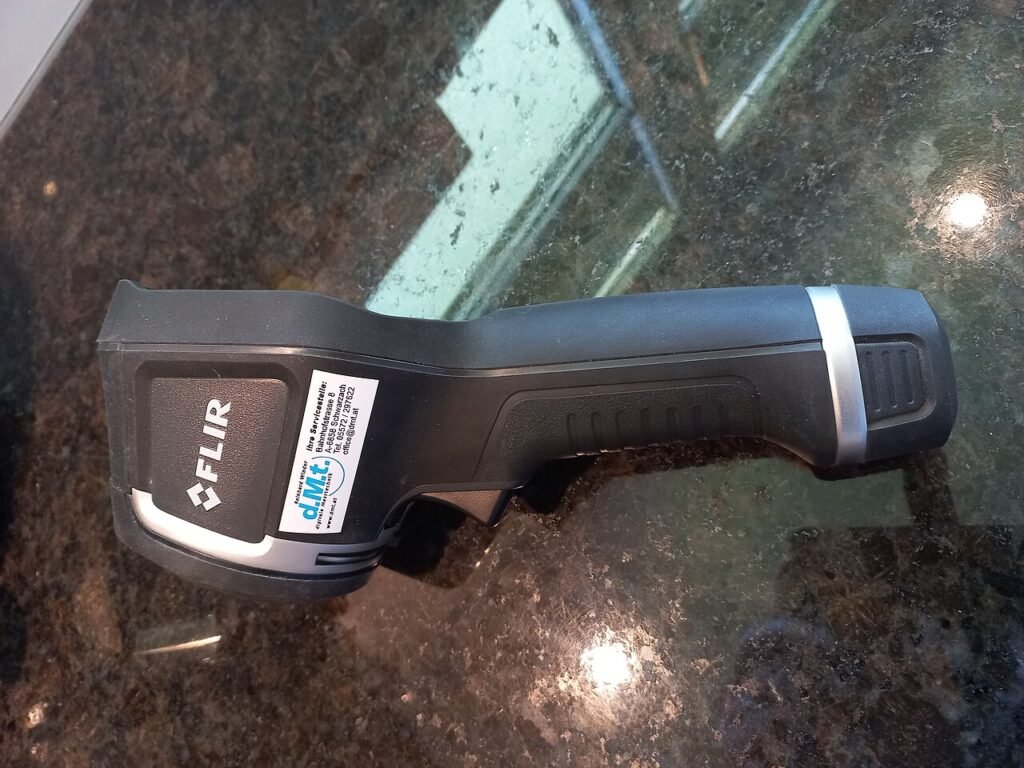
Start an inspection by stating the question the image should help answer. A visible-light borescope shows accessible visual details; a thermal camera records thermal information from surfaces in view. The tools can support an investigation, but the image alone may not establish the underlying cause of a problem.
The Klein ET16 is an Android USB-OTG borescope. FLIR Edge Pro connects wirelessly to supported iOS and Android devices. These are different workflows with different phone requirements. This checklist helps organize an inspection; it does not replace the product instructions or specialist assessment where the consequences of an error are significant.
1. Describe the observation you need
Write a specific question, such as whether an accessible cavity contains a visible obstruction or whether a surface shows a repeatable temperature pattern. Decide what a useful image would show and what would remain unknown even if you obtained it.
A borescope requires a physical path and a useful view of the target. A thermal camera requires an appropriate view of the surface. Thermal imaging does not directly reveal everything behind a wall. Avoid choosing a tool on the assumption that it can provide a kind of evidence outside its operating method.
2. Check the exact device and application
Confirm the camera model, phone operating system, application and connection requirements before the inspection. Klein identifies the ET16 for compatible Android OTG devices, not iPhone or iPad. A USB connector fitting the phone does not by itself establish OTG support or app compatibility.
For Edge Pro, check FLIR’s current supported-device and software requirements. Charge the equipment and complete a connection test with the phone you will actually use. Open the application, produce an image and save it. Do not postpone this basic rehearsal until you are at a difficult-to-access location.
3. Plan safe access and equipment protection
Inspect the route and surroundings before introducing a probe. Follow the relevant equipment instructions and keep a borescope away from energized equipment and moving machinery. Do not force a cable through an opening or use an inspection camera to justify access that is otherwise unsafe.
Confirm the dimensions that matter. Klein’s current product information contains conflicting head-diameter figures, so obtain confirmation before planning a tight passage. A cable’s total length also does not guarantee that it can navigate every bend or aim at the required surface.
Protect the phone, connectors and controls from the environment. A camera-head ingress rating does not extend automatically to the entire cable assembly or connected phone. Check each component’s conditions instead of describing the whole setup as waterproof.
4. Establish orientation and a reference view
Begin with a wider image or written description showing where you are working. Label the location, direction and date. For a borescope, move slowly and keep track of the orientation so a close-up can be understood later. Adjust the available illumination to make the target visible without obscuring it with glare.
Save an image that answers the original question as clearly as possible. If the target cannot be identified, record that limitation. A blurry or ambiguous close view should not become a confident conclusion merely because it was difficult to obtain.
5. Record the conditions for thermal images
For thermal work, note the surface, recent heating or cooling, sunlight and other conditions relevant to interpretation. A surface pattern can be influenced by its surroundings. Reflective surfaces can be particularly difficult to interpret, so avoid treating every apparent difference as a direct measurement of the material behind it.
Review the instrument’s accuracy conditions and the settings relevant to the task. If a temperature value will determine a consequential action, seek an appropriate independent check. Record the observation separately from a proposed explanation: “this area appears different” is not the same claim as identifying a cause.
Keep image processing labels accurate. FLIR specifies a 160 × 120 native thermal detector for Edge Pro, with a processed 480 × 360 output. Processing does not turn that detector into a native 480 × 360 device or remove the need for suitable distance and interpretation.
6. Preserve usable files and notes
Save original files and export a copy that another person can open. Check the exported result on a second device before leaving the location. Use filenames or folders that identify the equipment, location and date without exposing unnecessary personal information.
Include contextual photographs and notes alongside detailed images. Record meaningful adjustments or repeat observations so a later reader can tell what changed. If the image suggests further investigation, describe the unresolved question rather than presenting an unverified diagnosis.
7. Review whether the tool answered the question
Compare the record with your starting objective. If the visual route was obstructed, a different access method may be required. If a thermal pattern is ambiguous, another measurement or specialist evaluation may be more useful than another palette adjustment.
Clean and store the equipment according to its instructions, then retain the compatibility and setup notes for the next use. Manufacturer references: Klein ET16 and FLIR Edge Pro. Use the compatibility checker to organize model questions, with the manufacturer’s requirements as the final check.
Models and complete setups to explore
These researched examples illustrate the decisions in this guide. Check each exact variant, the documented limitations and the equipment it needs.
- Klein Tools ET16 Android Borescope — USB Android borescope with 10-foot gooseneck
- FLIR Edge Pro Wireless Thermal Camera — Wireless iOS/Android model, formerly listed as FLIR ONE Edge Pro
- Klein ET16 vs FLIR Edge Pro: visual access and thermal inspection solve different problems
Sources & fact-checking
Manufacturer documentation and primary references checked 2026-11-02. Specifications can depend on region, hardware revision and selected bundle.